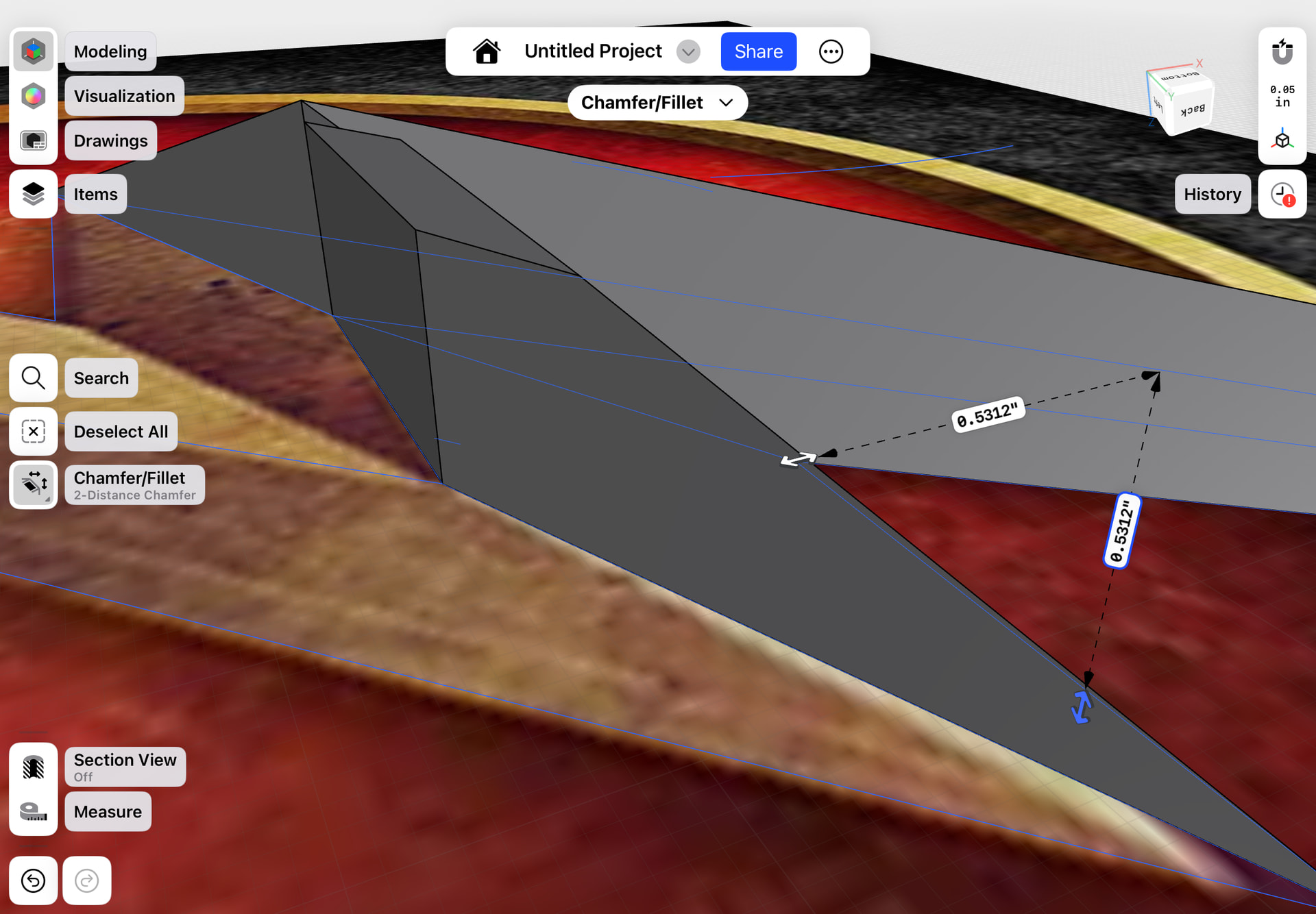
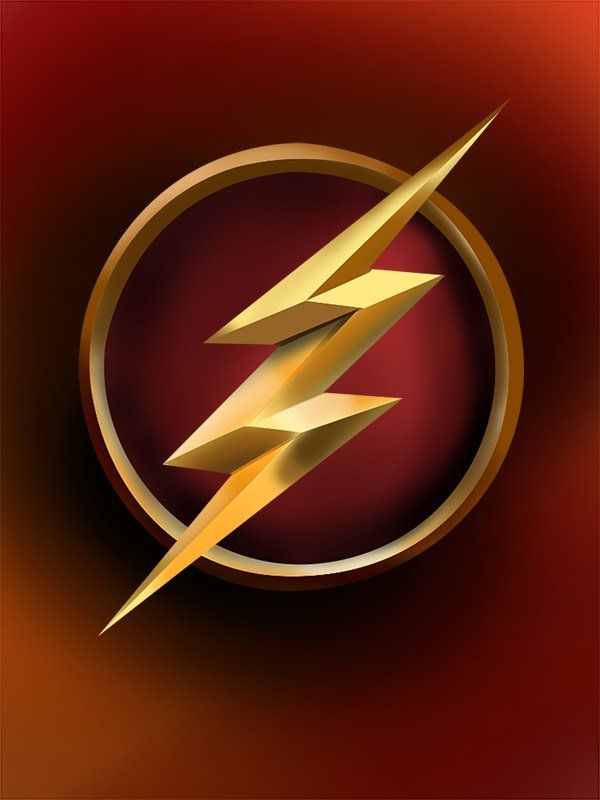
I use my chamfer and I’ve drawn out all the lines, it was a miracle I made two over the pieces connect at the same point and aligned correctly but I can’t seem to do it again. Is there a much easier way to make this flash symbol? I jus can’t seem to make these vertices meet along with having such a good slant
Okay, I cannot figure out how to do this in Shapr…been using it for years, but I have never figured out how to connect points on two planes. Something quite easy to do in SketchUp, but I’ve tried several different ways in Shapr, and I can only move a point on one plane.
I also tried Chamfer, but since each plane is a bit different, it didn’t quite work and left a wonky shape on the top.
Not sure what you’re doing with it, but here’s a file from SketchUp that’s been converted to a solid body in Shapr3D.
I would love to see someone else’s solution.
Flash.shapr (22.7 KB)
Here’s how I did it in SketchUp…connecting points on different planes, using Push/Pull (Extrude in Shapr3D) to pull up a surface to a plane above the original drawing, then I sketched lines, and connected points. (Forgive the extra noise…we have two young border collies and my husband is having to play frisbee with them in the house to wear them out)
I think I actually had to export the .stl into Shapr, but export as a .shapr file to get the file above.


