Hello!
I have imported a DXF of an image into my project. My goal is to have the image be a mark on my object that I plan on 3D printing. I would like to be able to have the image remained centred in relationship to my object as I change the size using variables. Is there an “easy” way to do this, or am I going to have to somehow tie each piece of the drawing together just to keep all the lines in place?
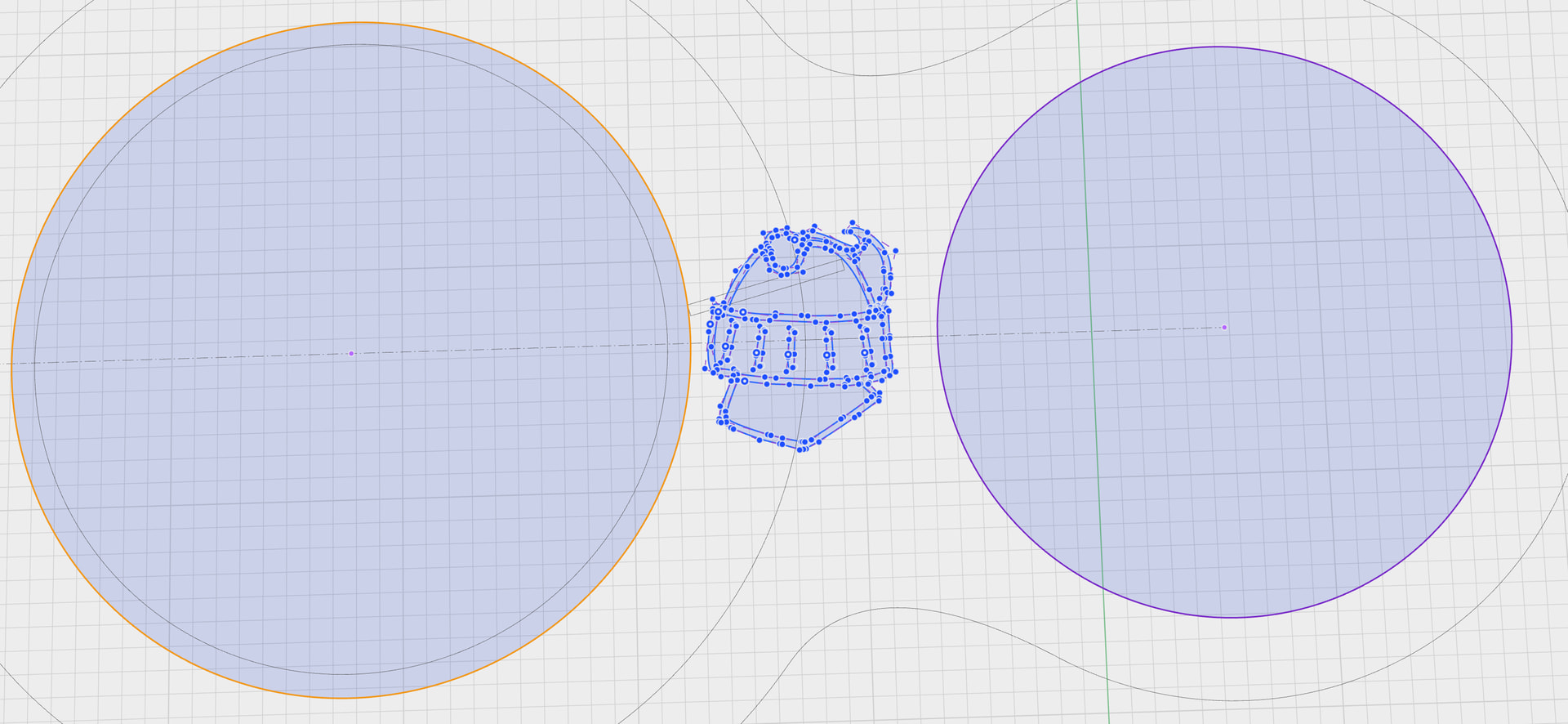
In this case, I want to keep the helmet centred between the two circles, even if I change the size of either circle or the distance between the two circles.
As an aside, it seems it is not enough to just create a drawing in my drawing software of choice and export it as a DXF. I struggled to figure out why some files will work and others will not. It seems at least to my limited understanding that I have to make sure the drawing is only using lines, with no fills or any other common vector type thing. If there is documentation suggesting the best method for creating a vector useable for Shapr3D I wouldn’t mind reading it, and if there is not I hope that one day it can be added to the help or tutorials on the Shapr3D website.
Thank you for reading!