Hallo,
I’m struggling a lot with my imported curves.
Oject: importing topographic lines (closed curves) to 3D model them and 3D print.
Import is a DWG file from Corel Draw with 2 closed curves:
Topo_600R_closed_smooth_nodes_test.zip (17.1 KB)
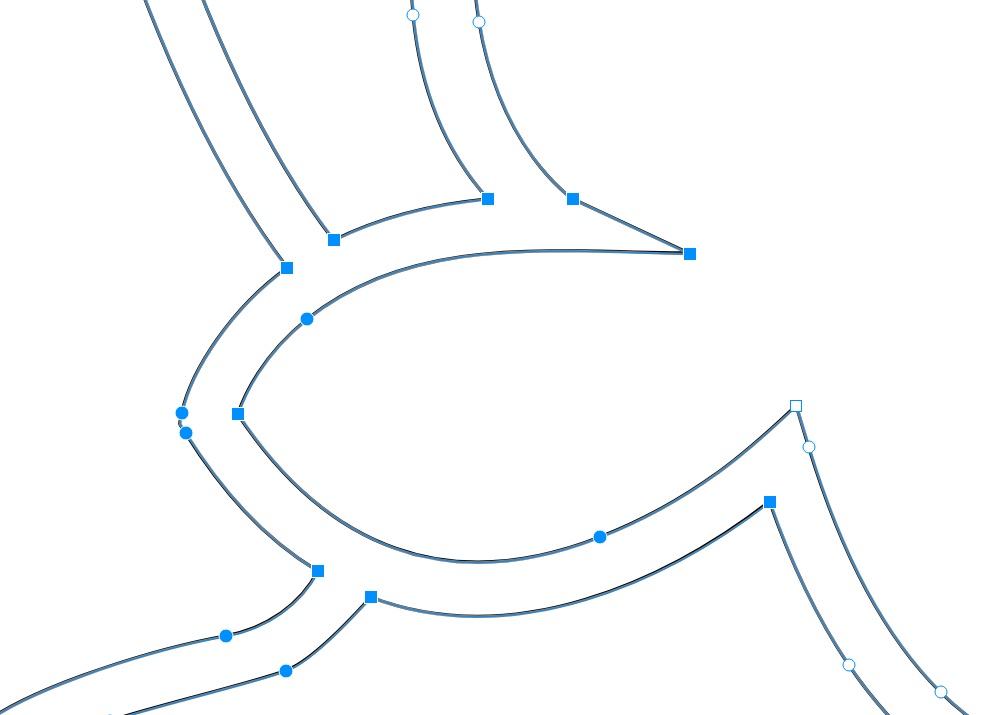
Corel Draw has 3 types of nodes for curves: cusp, smooth, and symmetrical
The exported nodes are all SMOOTH
The curves are Bézier curves and shapr3D Help page says that Bézier is supported.

The exported curves are the selected blue one and the red one.
In shapr3D I get these curves :
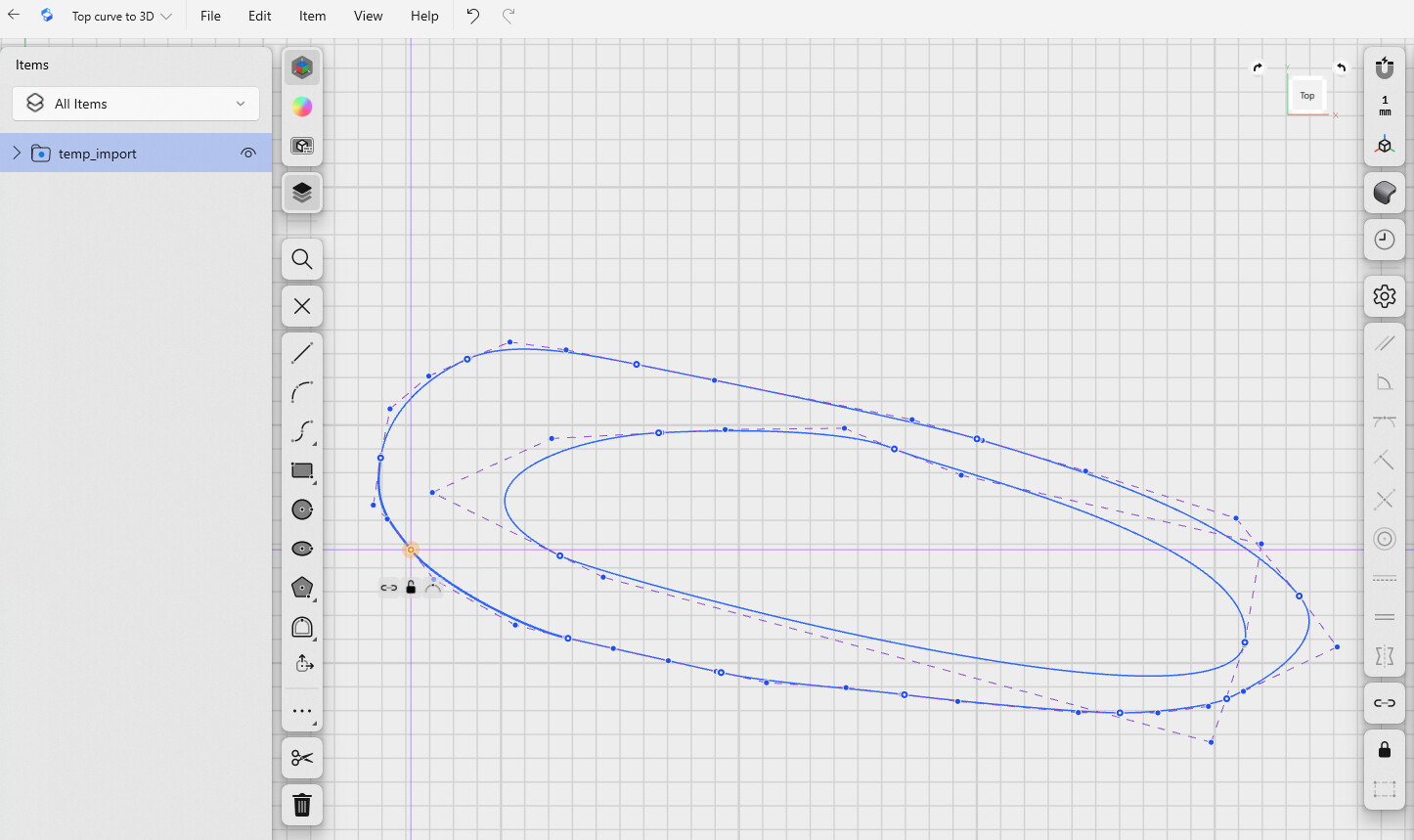
I notice that all the nodes are blue circles but not filled dots, they are named ENDPOINTS.
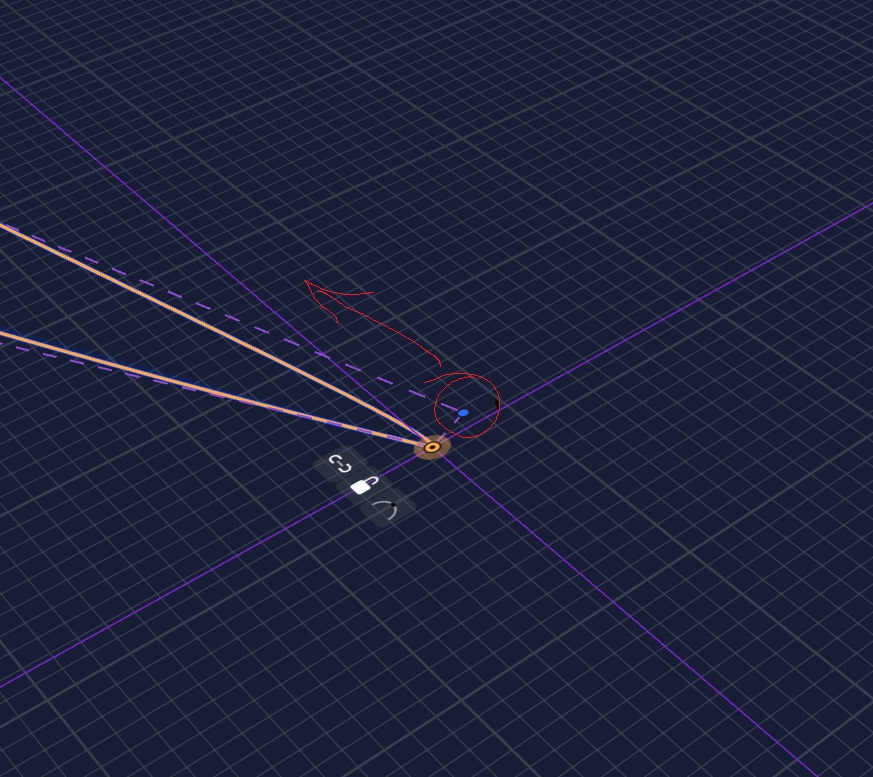
Selecting 1 node brings this pop-box:

What do these icons mean?
- connected ?
- unlocked ?
- what does the arc mean?
Selecting the blue curve , only selects a segment of the curve.

How could I get these segments to be only 1 closed curve (or do you call it spline)
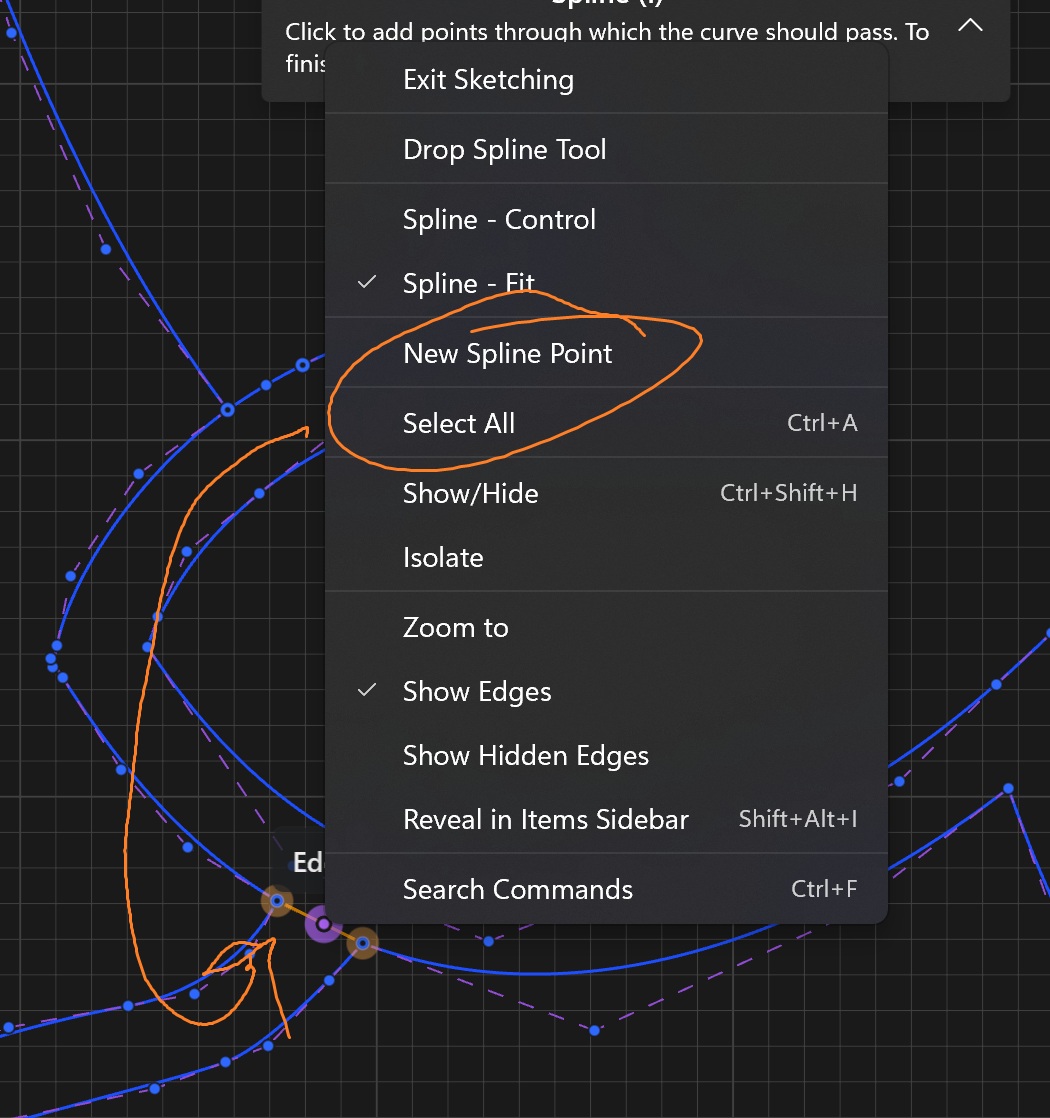
I noticed , when clicking the little arc icon of a node, this changes its color to filled dot, BUT the overall curve changes, and the node is now called CONTROPOINT.
Once all the nodes are clicked and changed to full blue dot, it is possible to select the whole curve by 1 click on the blue line, as if it now is a single segment.

Doing Offsets is now possible, BUT after some mm the drag arrow gets red .
If I end the offset just before the red arrow appears, I have a new offset.
Looking at the nodes of the new offset I see that there are new nodes which appear as circles, not filled dots. Selecting such a node brings the again the 3 little icons, after clicking on the arc, the node gets filled blue and I may do a next offset edge.
Same difficulty to do the loft, but more complex due to the control points.
Could somebody guide me to get these topographic curves lofted?
Thank you so much for your help.