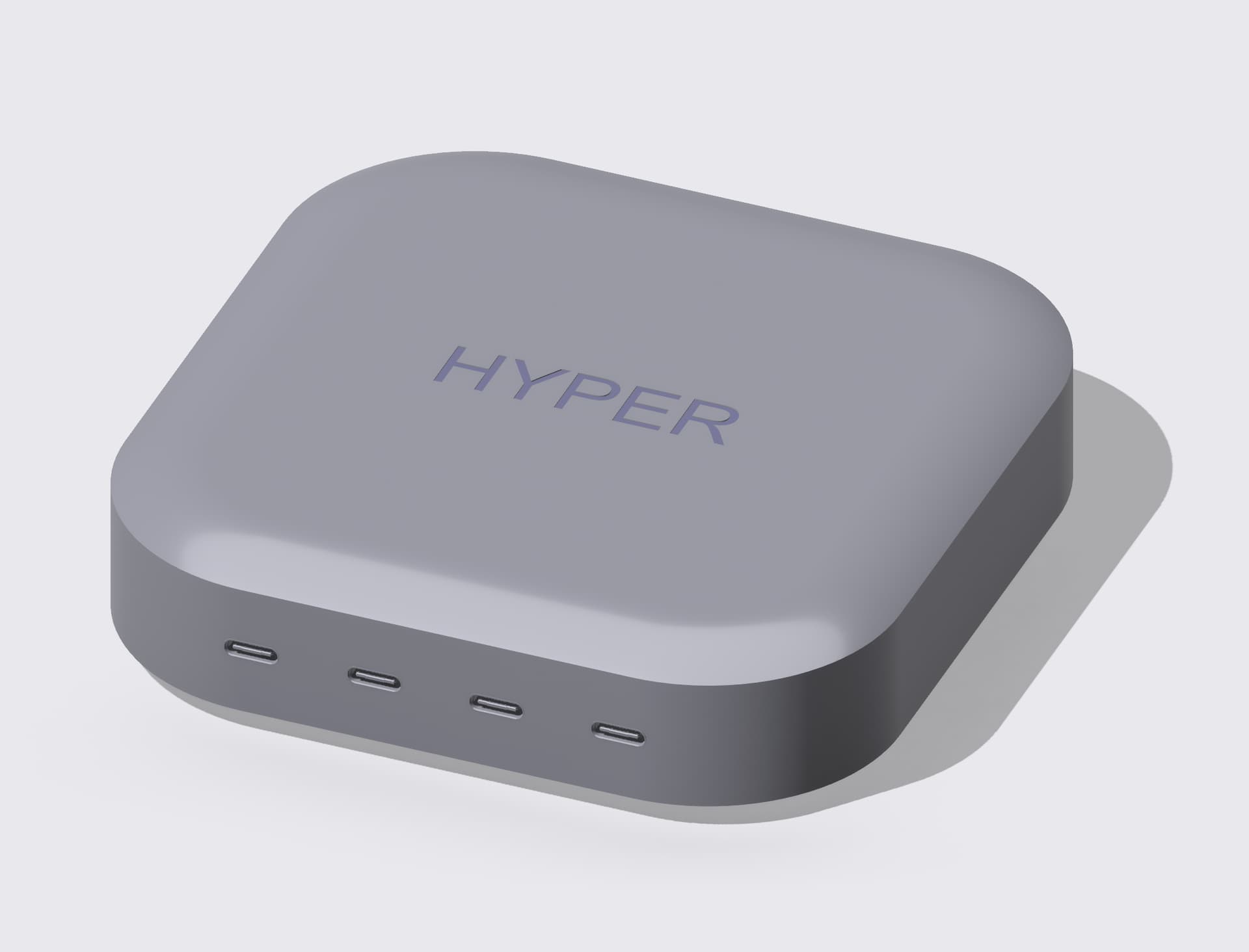
Can anyone help with how to create this shape?

Mine looks like this when trying to use a fillet:

I’m not sure how to make it match the reference image:
Maybe try and model the lid/bottom separate from the body. That is how they tend to build that style of case.
RebderL Shapr3D Webviewer
case.shapr (27 KB)
Here’s a way to do it. First do a 2-direction chamfer. I used a 1:3 ratio in my example. Then do a Fillet (Auto) to create the sloping curve. I just started using the latest app version 5.44 and I’m struggling at the moment.
All good suggestions there.
Here’s another way. I drew a sketch of the profile and swept it around the centre area (taking a guess at the corner dimensions). Then extruded out the centre and Unioned everything
That turned out really well. 
Thanks for the help!