Hi guys, I am pretty new on this logicial and I would like to know if someone could help me here :
I don’t see how could I complete an element of a design that I am doing rn.
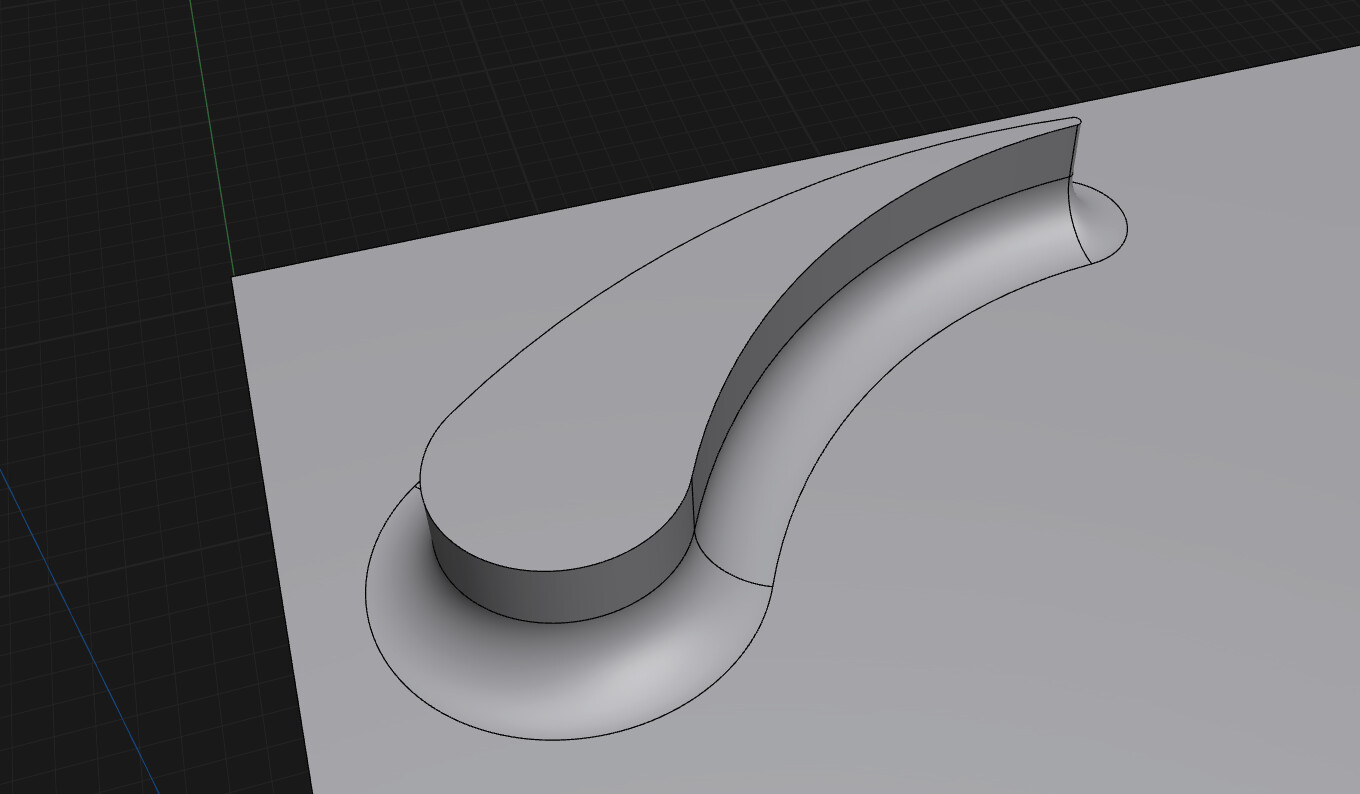
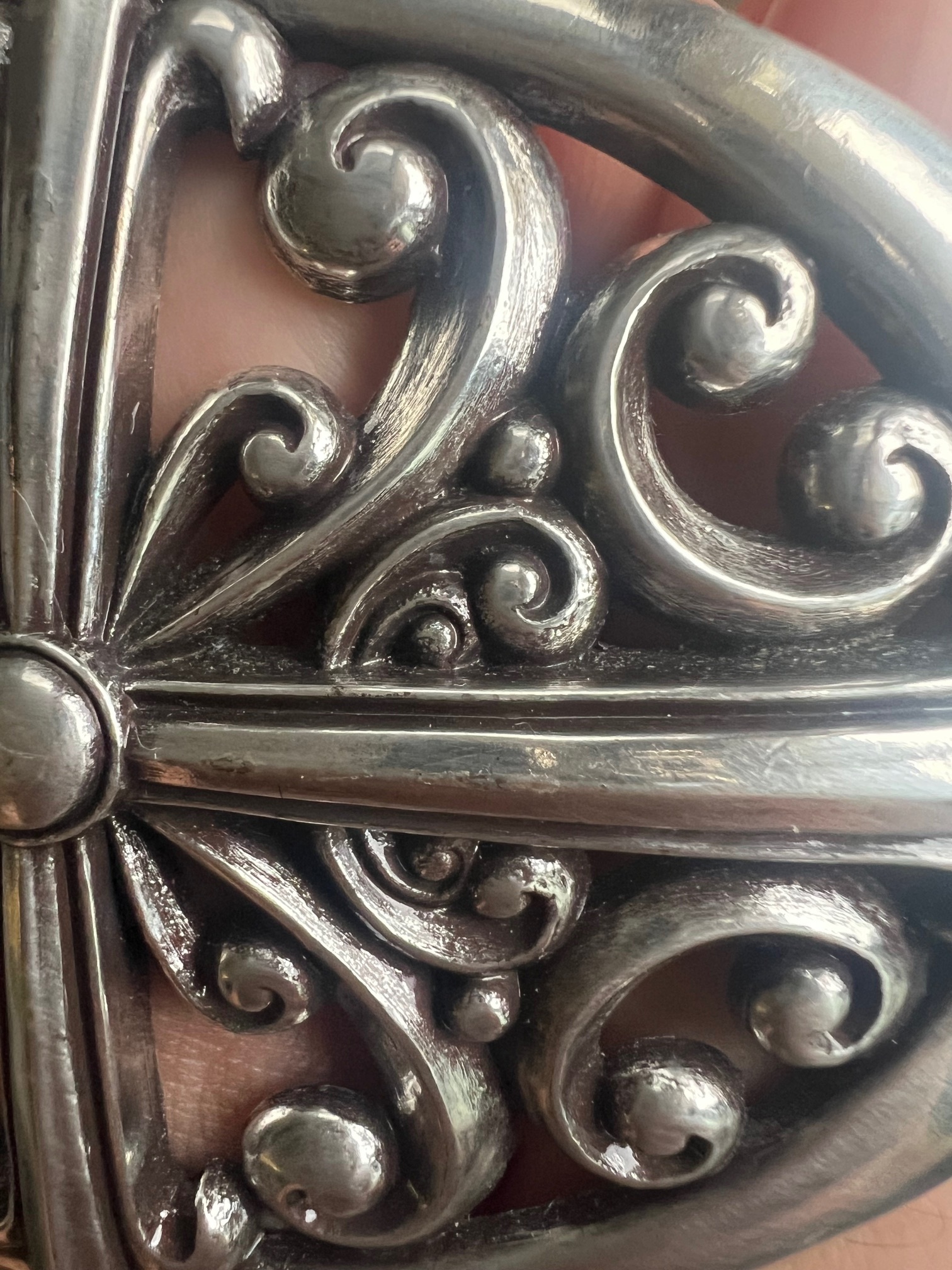
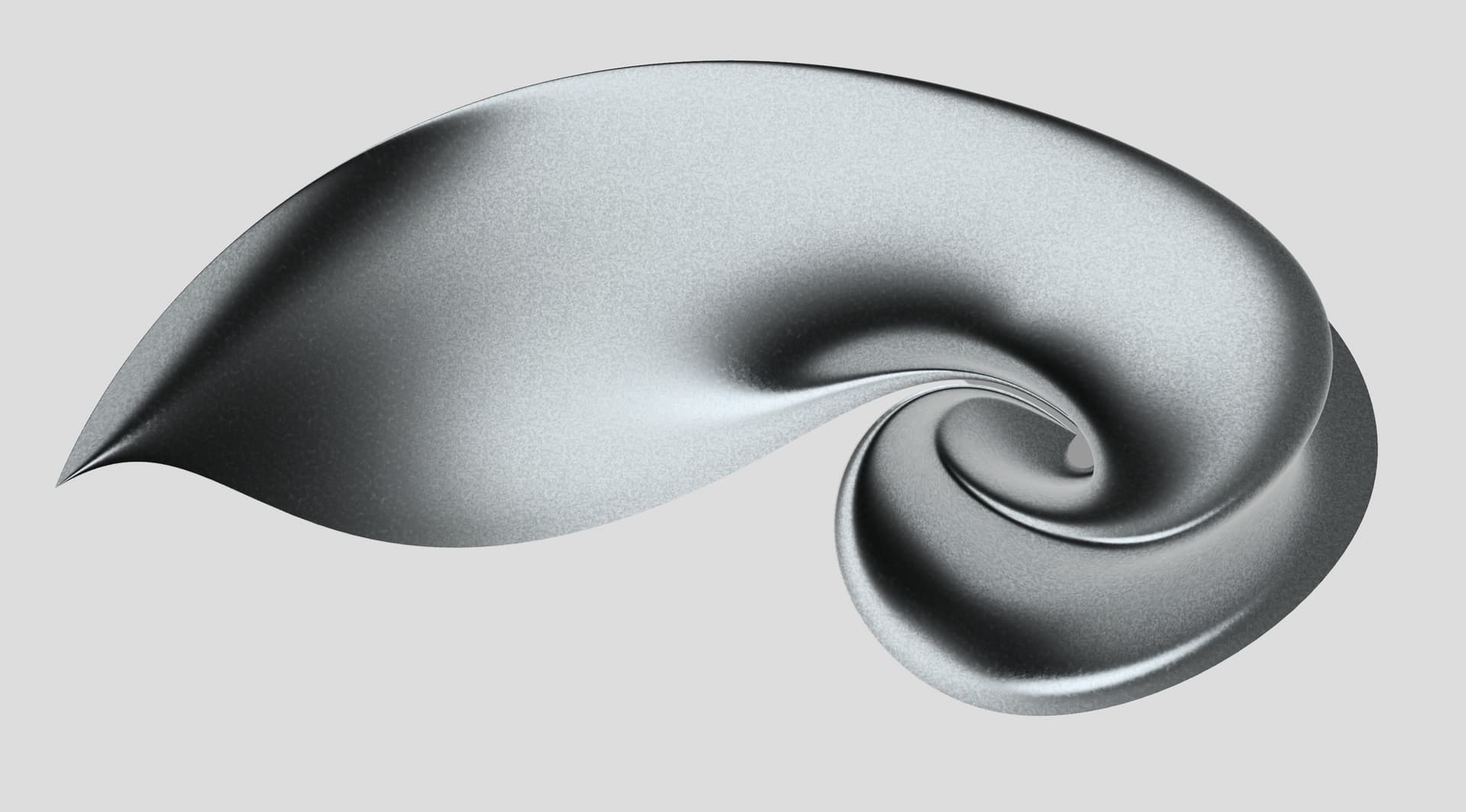
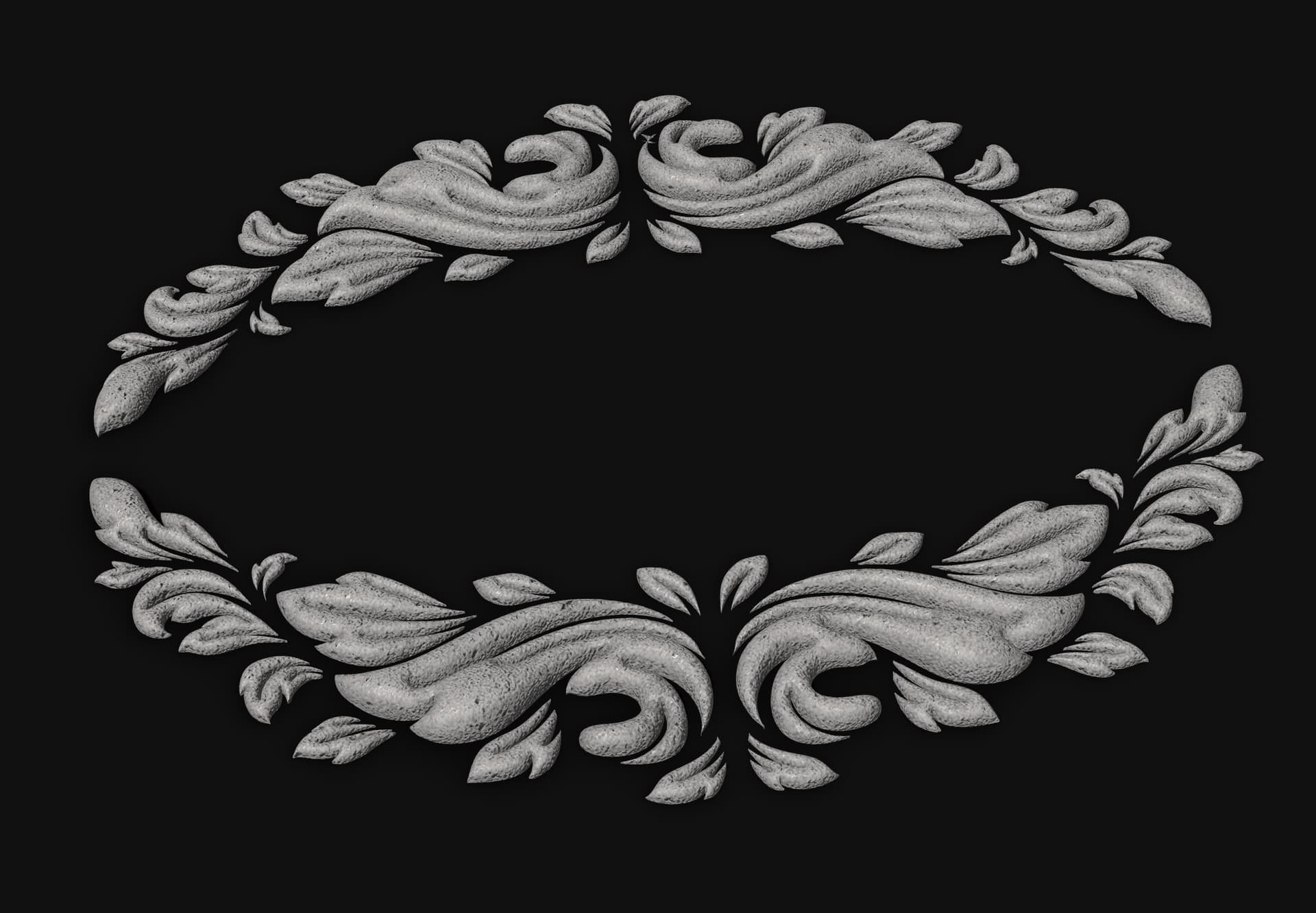
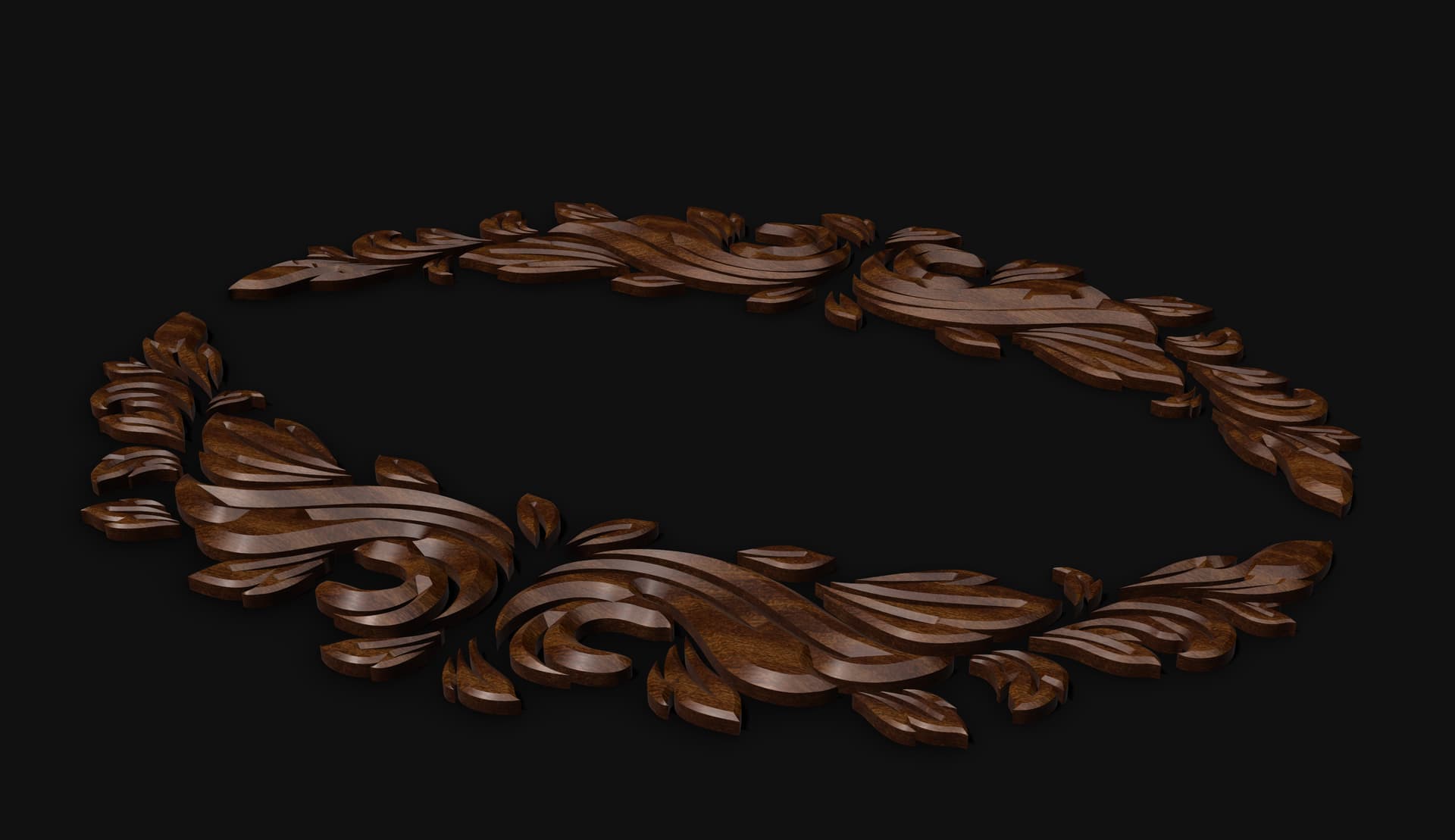
I want to do like a floral cylindric design without any sharp border that needs to come out a flat rectangular plaque. I feel like there is something simple but I scratch my head trying not fruitful things.
I put some elements to help you seeing what I can’t properly describe just above
I’m not fully sure I understand your description — it sounds a bit unclear. Do you mean you’d like the cylinder to join the plaque with a smooth rounded base, instead of a sharp edge?
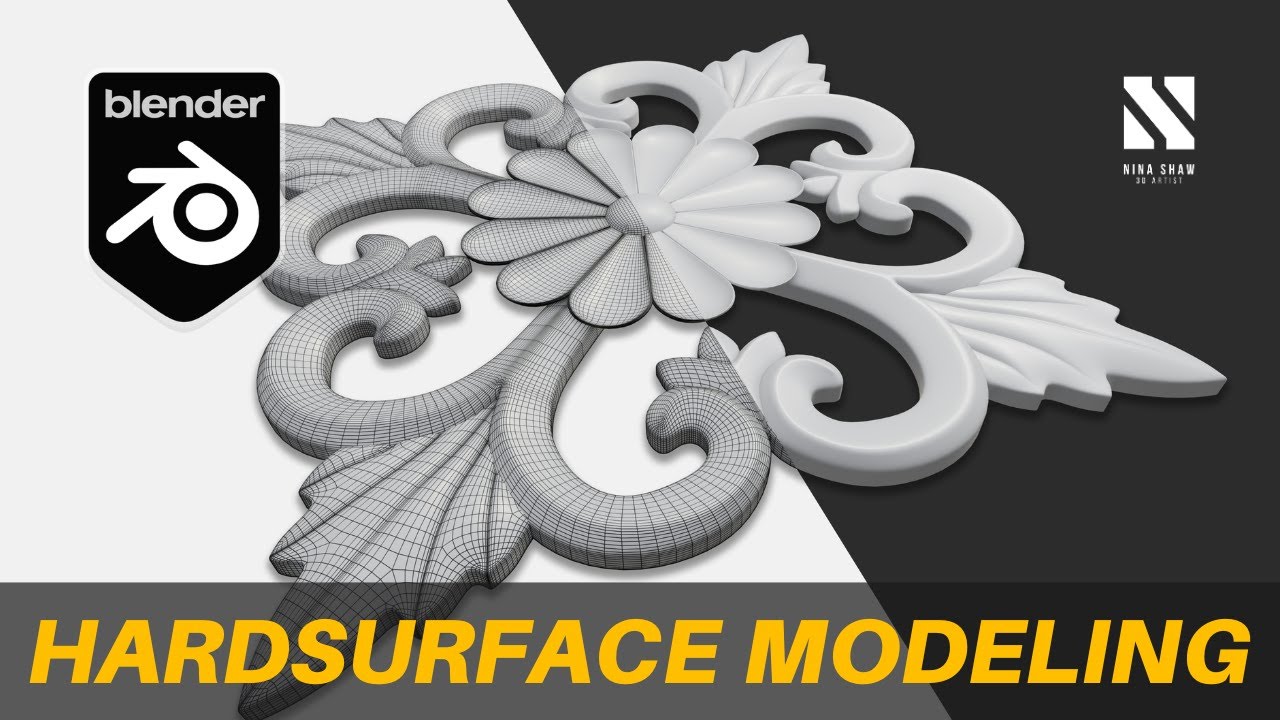
for the base it looks like what i want, but for the the material that comes out… Is it working if you round off the drop so that you have something in round relief ?
here is something that looks like what I need to do on shapr
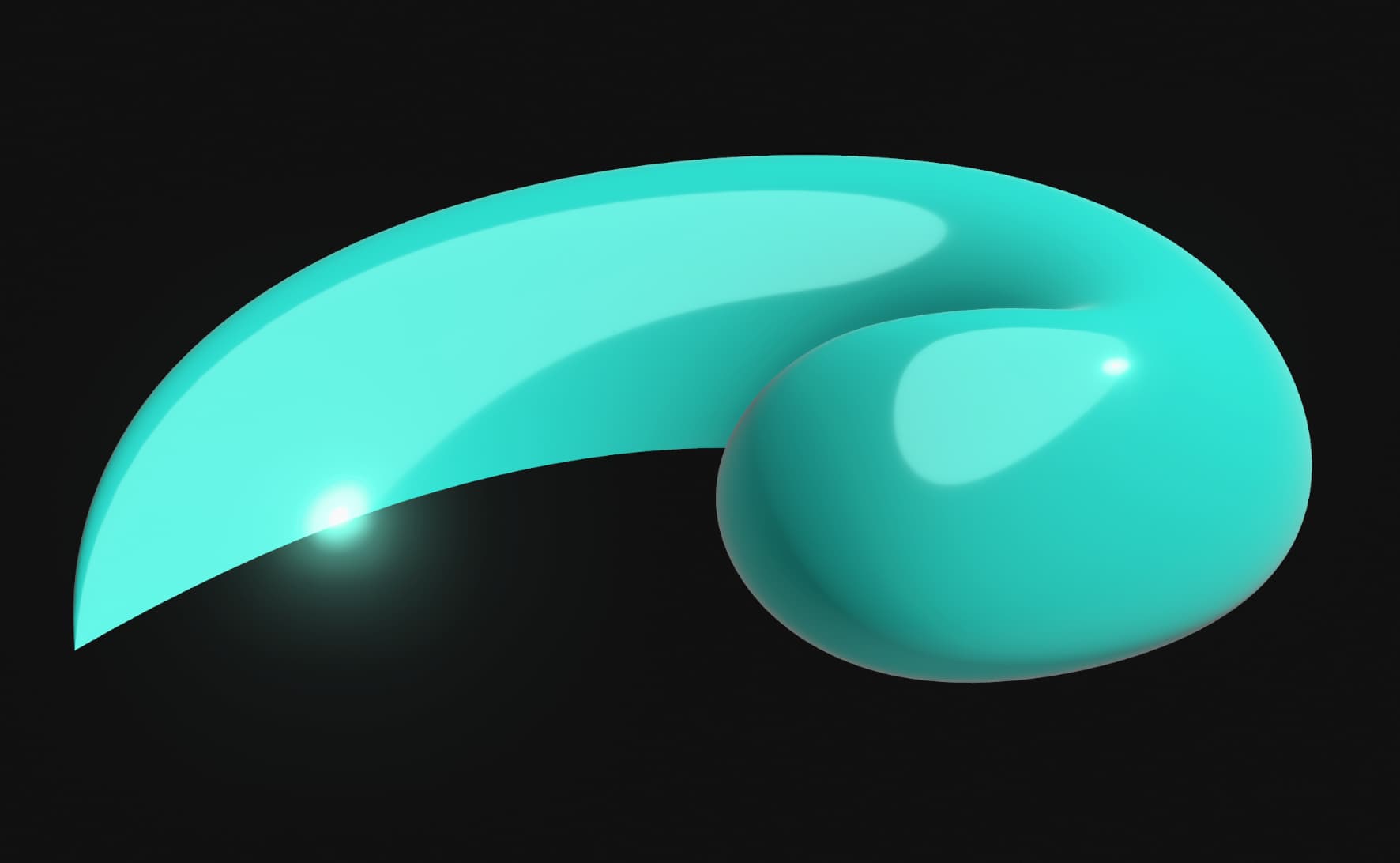
I forced something (horribly i have to say) but the blue part is the rendering that i seek for all the drop and not just a part of it, and thanks for the tuto on blender, but does it means that this is quiet impossible to do it on shapr3d ? ty!
Impossible? It’s possible the tricky part is the spiral part.
If I just need to do one I wouldn’t mind putting the effort, but if I had to create series with different patterns I would skip Shapr and work on it with something that has 3d Curves.
I just played with what i did, i copied it to have the couple and flipped the other one and this is what i got, i think i will keep this for the moment…. it is not that bad since it is a prototype that i will print.
i’ll keep you updated if i find something less scratchy (seems so easy in my mind to do it but so hard on the logicial)
Hi,
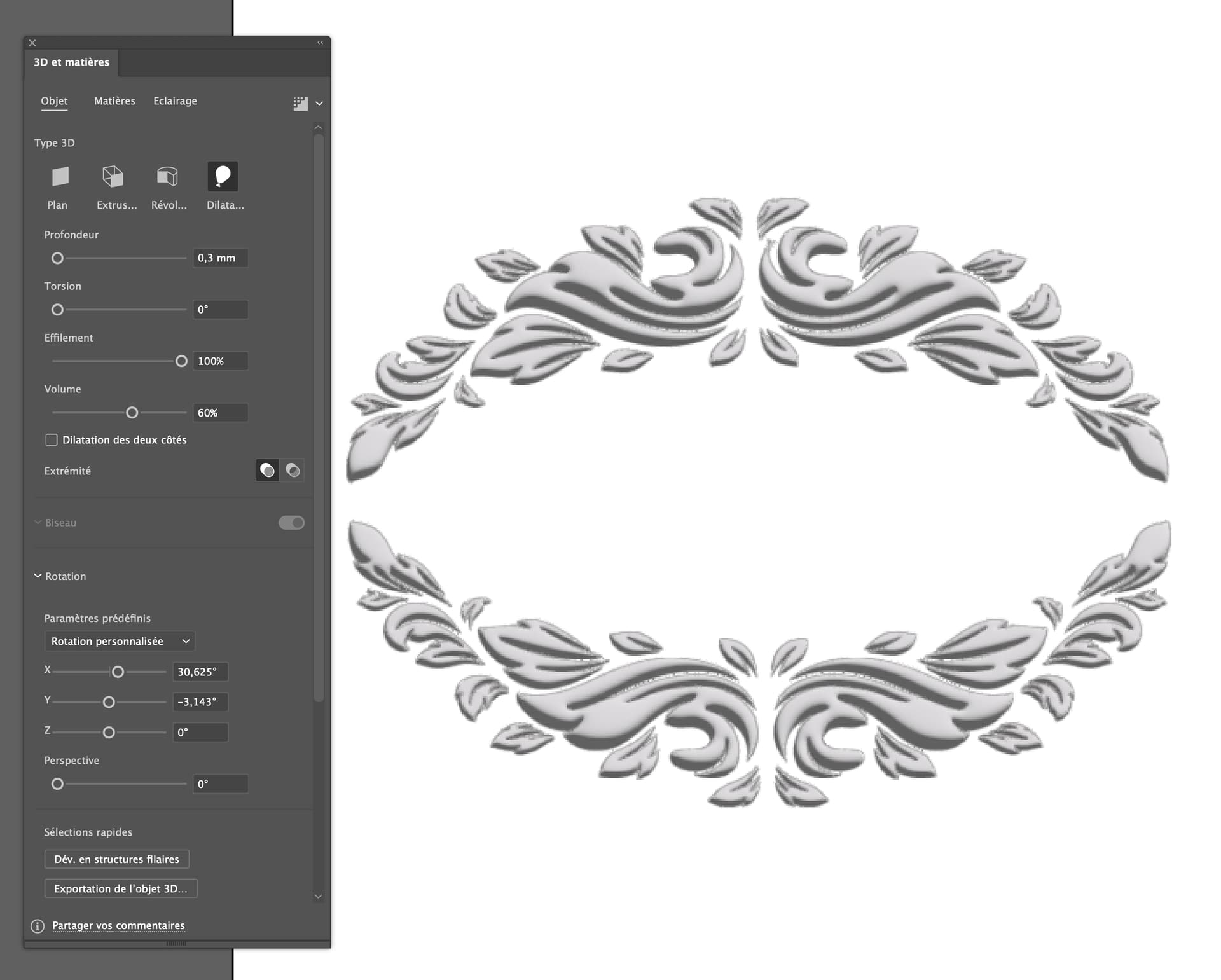
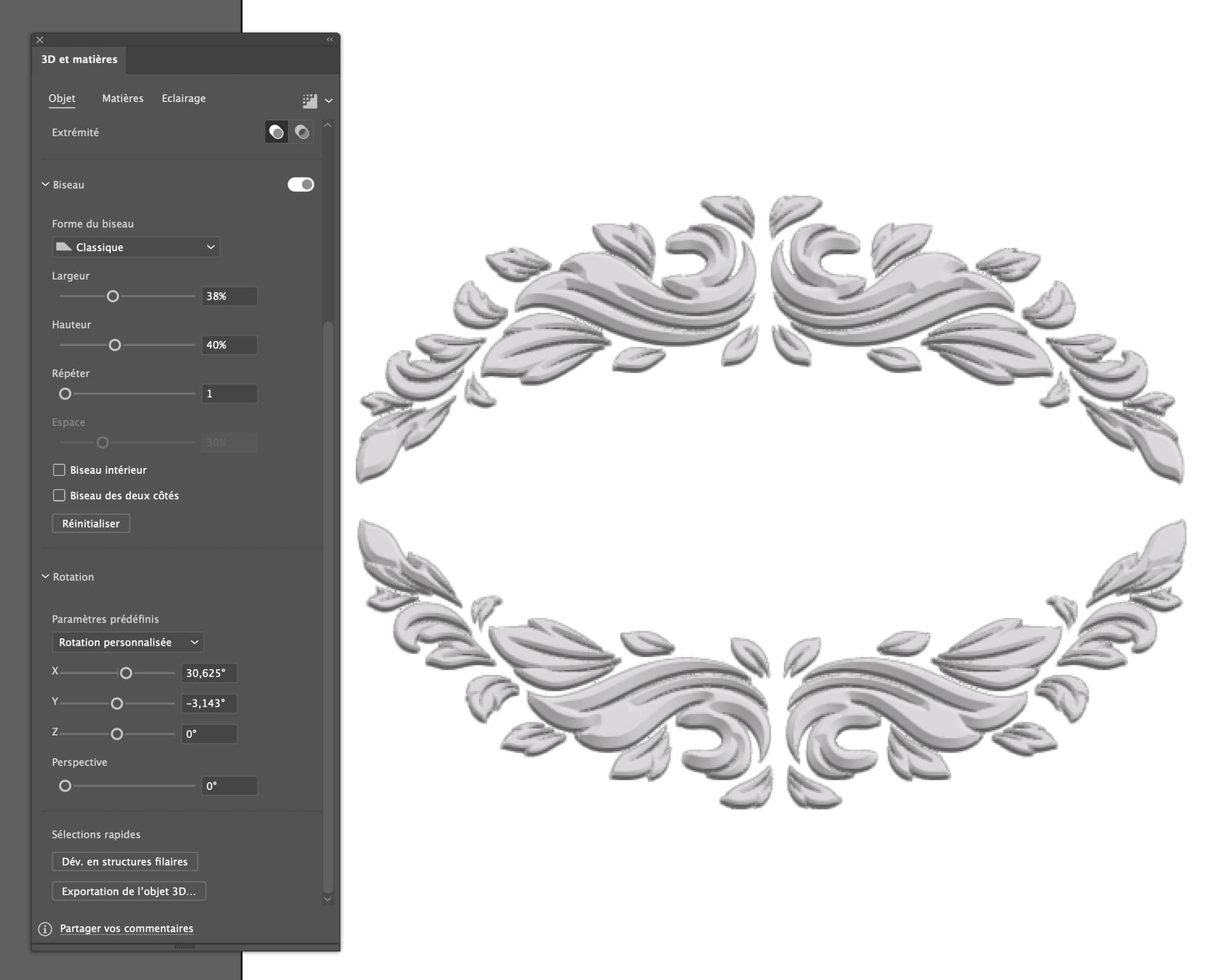
Sometimes, when I’m caught up in time, I use Adobe Illustrator for engravings or reliefs.
Illustrator > menu Effect > 3D
and Export in USDA > Import it in Shapr3d.
And when I need a more sophisticated model, I use Xnurbs.
I’d recommend ZBrush on the iPad…the software is $99 a year right now, but this is the type of work I do in ZBrush…I use ZModeler, which is their hard-surface modeling.