
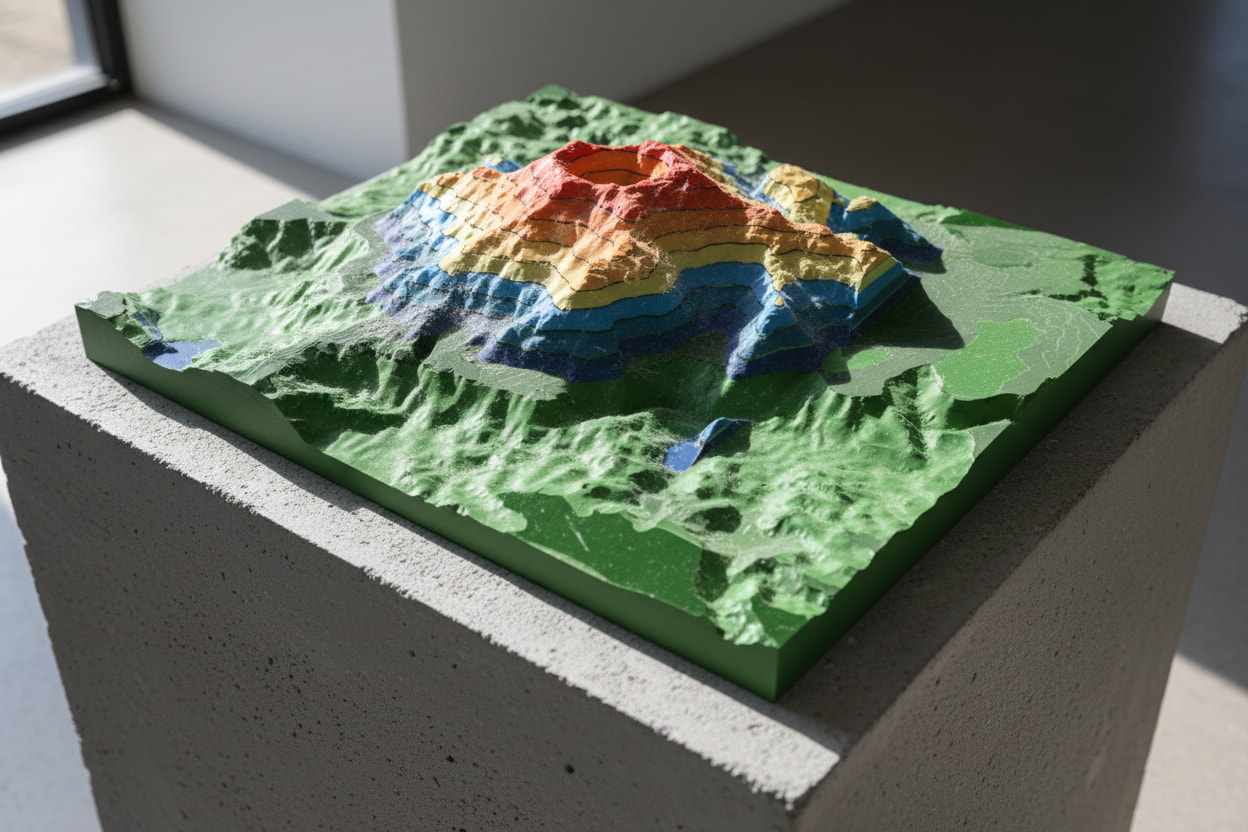

Can you explain your process? Are you importing an existing model? Are you creating the transition between adjacent topo lines or did they exist outside of shapr3d?
I have used shapr in this regard but found it incredibly tedious to create the transitions between topo lines. Even managing the topo lines themselves from an import was difficult. It was hard to find unclosed loops and there were some errors in the sketches which were hard to eliminate. However, this was done before the updates to the sketcher.
Hello and Happy Holidays to you and your family!
My purpose using Shapr3d instead of QGIS application for topographic visualisation is to quickly share to clients with limited precious time and need visual representations of properties for quick assessments for planning real estate development or just “feels” of the terrain. Downloading a digital elevation model from a website, then exporting to Nomad, then exporting to Shapr3d as an .stl file, I can create multiple planes (pattern), then easily slicing the stl terrain into sections using split body, then just simply hiding the sketched plane.