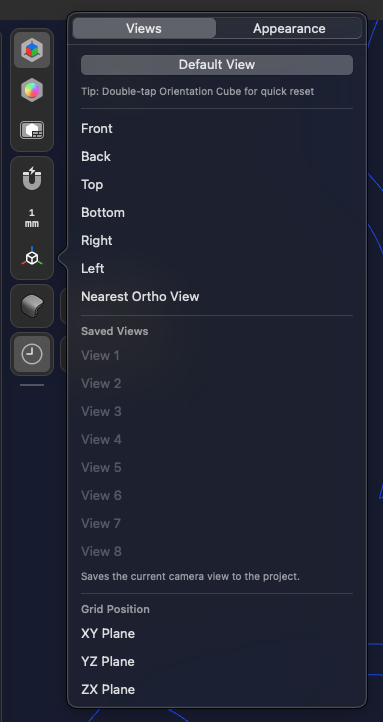
Having an odd bug with inconsistent camera control on ipadOS. If I touch and drag starting from the default view/orientation, the model rotates as expected. If I rotate the model on its side and then attempt the same, the camera rotation axis is restricted to one plane only. Doesn’t mater if I touch and drag vertically or touch and drag horizontally. Both cause the view to rotate in the same direction.
Doesn’t feel intuitive. Video attached. Wonder if it’s user error or something I messed with. Appreciate advice.