How do you easily identify missing references?

Hi all,

I’ve been struggling with this a few times recently. I will make changes in the history panel for one reason or another, then go through and fix missing references to planes, constraints etc. but sometimes this happens:

Last night I had a similar issue, but I managed to resolve it just by poking stuff and I accidentally resolved it.

But this time I have such a simple sketch going on here that I can’t figure out what I’m supposed to be fixing.

I’ve tried resetting the plane and projection for the larger circle you see in the bottom right but that didn’t fix it.

Any pointers much appreciated

Cheers

If you open the sketch to edit dont you see these red constraints?


Share this project if you can, so I can take a closer look.

I’ve just re-opened the project to look closer. The warning is now gone! I’m not sure if I did something accidentally or if there is a bug.

The screenshot I attached is with the sketch open though, but maybe there’s somewhere harder to see that I didn’t notice. I will need to revisit this next time this happens.

Actually, here’s an earlier version of this project that has the same issue persistently:

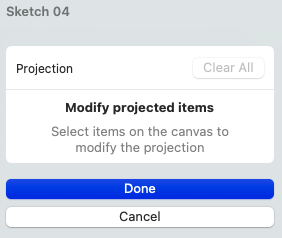
Curiously, the Projection table reports 3 edges but when I click on Edit it shows zero.

Can anyone see something that I’m missing?