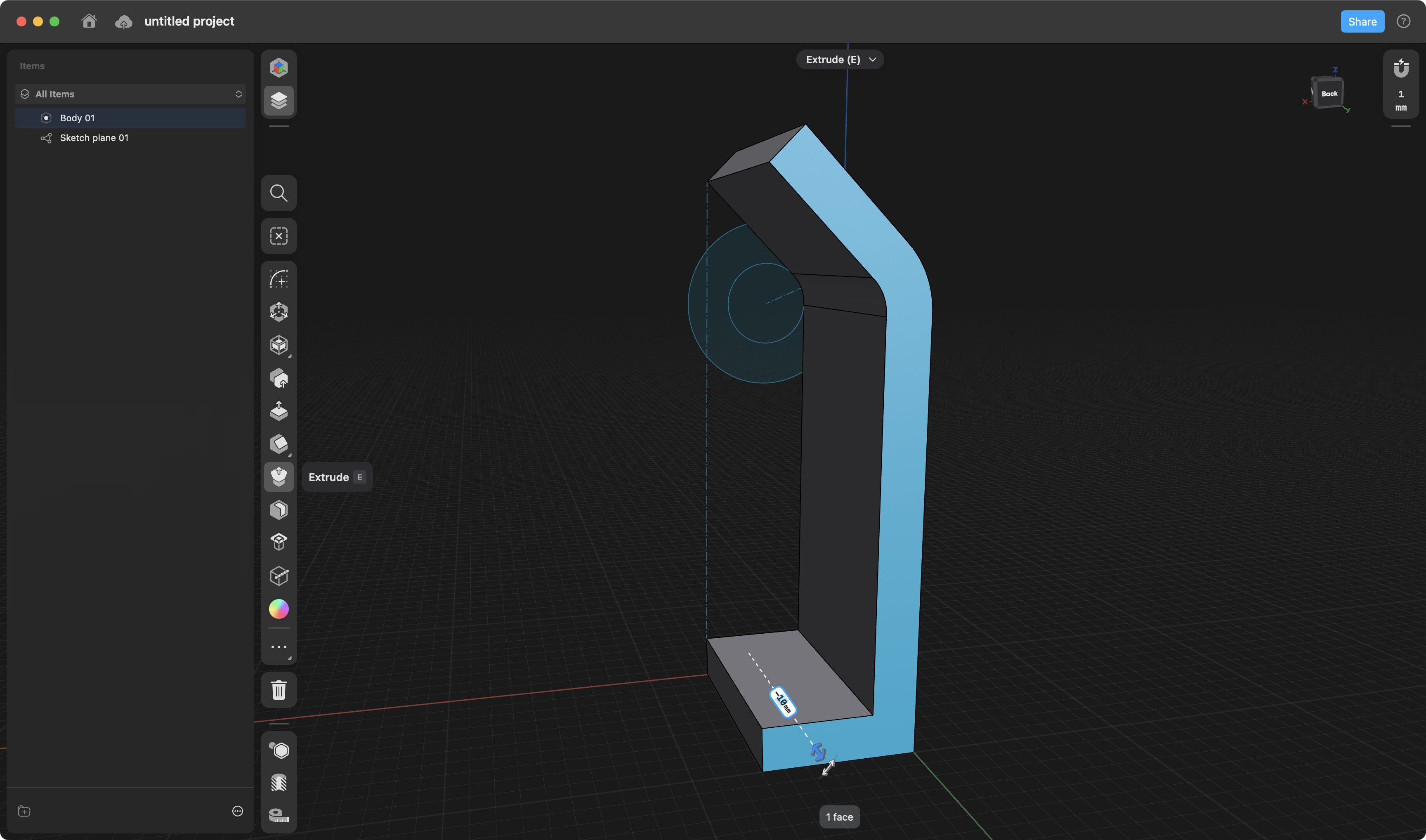
I’m modeling a kiosk. I have a simple extruded rectangle that I need to rotate at a segment to match the photo. What technique should I use to add a segment and rotate it like in this image?

Much appreciated!
I would rotate it approximately in position and then Align faces to place it at the back of the other item.
Here’s using Split Body.
@Stunami. Disregard my earlier post. I misunderstood the original post and thought you just wanted to Align both parts.
Excellent! I cannot see your mouse selections. Would you mind reviewing the steps I deciphered from the video?
I observed:
Step 1: Add Construction Plane
Step 2: Select Face to anchor plane
Step 3: Move the plane to position
Step 4: Select tools/Split Body
Step 5: Rotate Split Body
Step 6: Scale bottom body up
Step 7: Apply Tools/Union
Step 8: Select overlap face and move to angle
Step 9: Apply Chamfer/Fillet
I use an iPad Pro with Apple Pencil.