Import projects more efficiently and sketch more accurately with expanded snapping options.
-
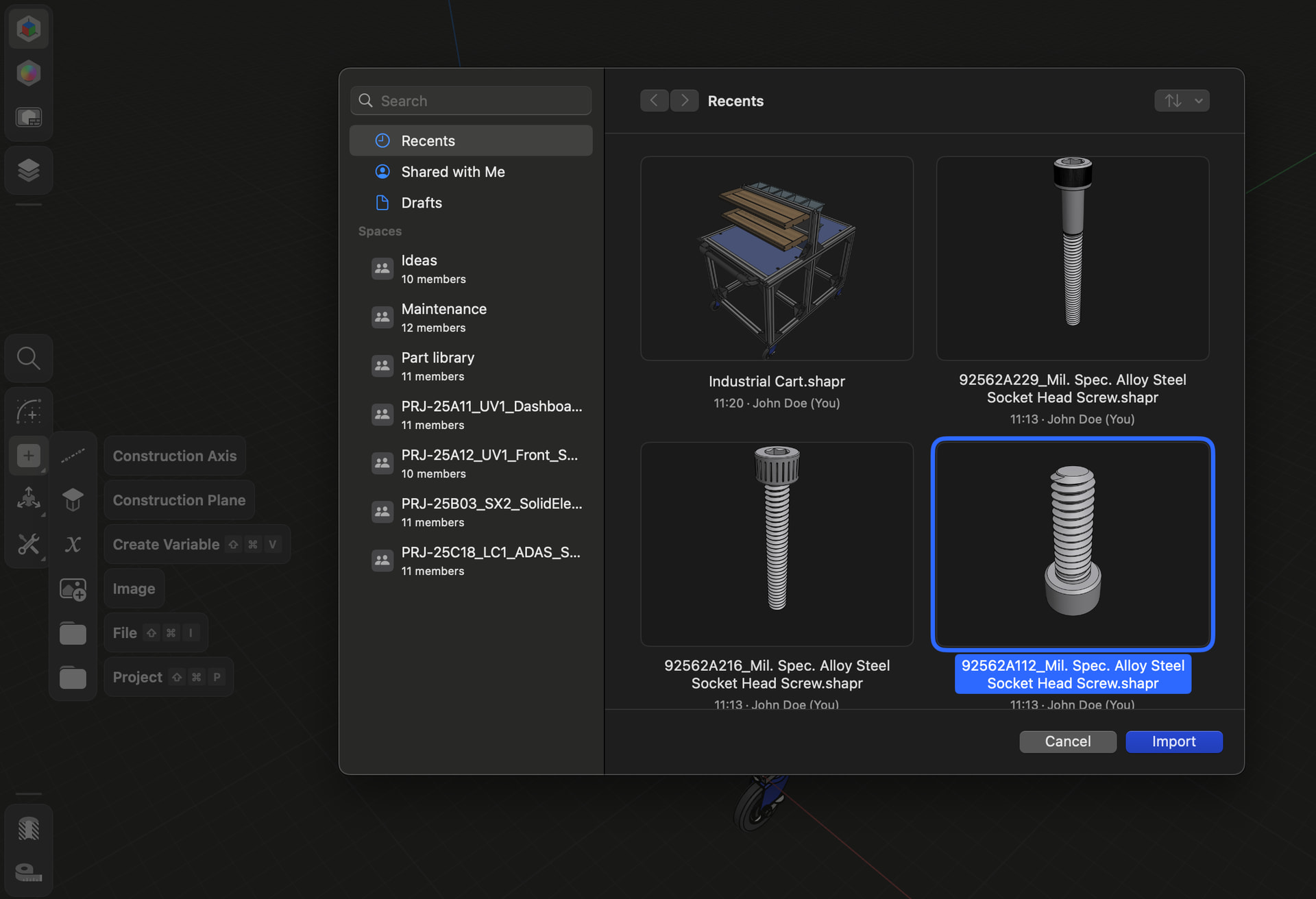
New: Now you can import other Shapr3D projects directly into your workspace without exporting and reimporting them first, letting you reuse existing designs and components more efficiently.
-
Improved: Sketch snapping now detects more intersection points between geometry elements. Snap points and annotations appear where edges, sketches, or axes intersect with construction planes that lie on your active sketch plane, even if they don’t directly intersect it.
-
Improved: When sketching in orthogonal mode, you can now snap to and reference geometry that’s outside the active sketch plane. These off-plane edges or sketches are automatically projected into the sketch plane, allowing you to create and maintain constraints with precise alignment.
Try this improvement and share your feedback in the comments below.

 Just a copy for now.