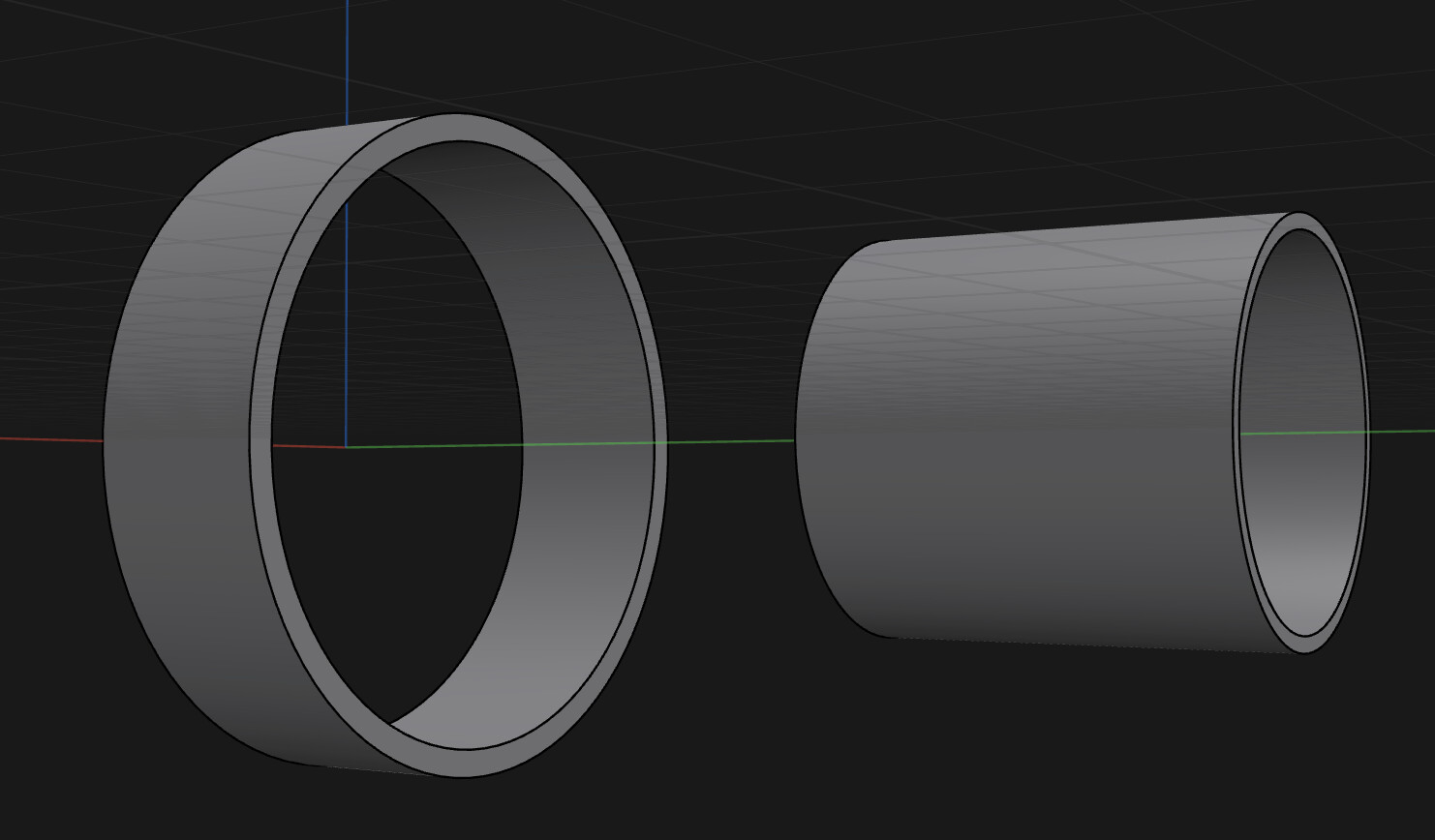
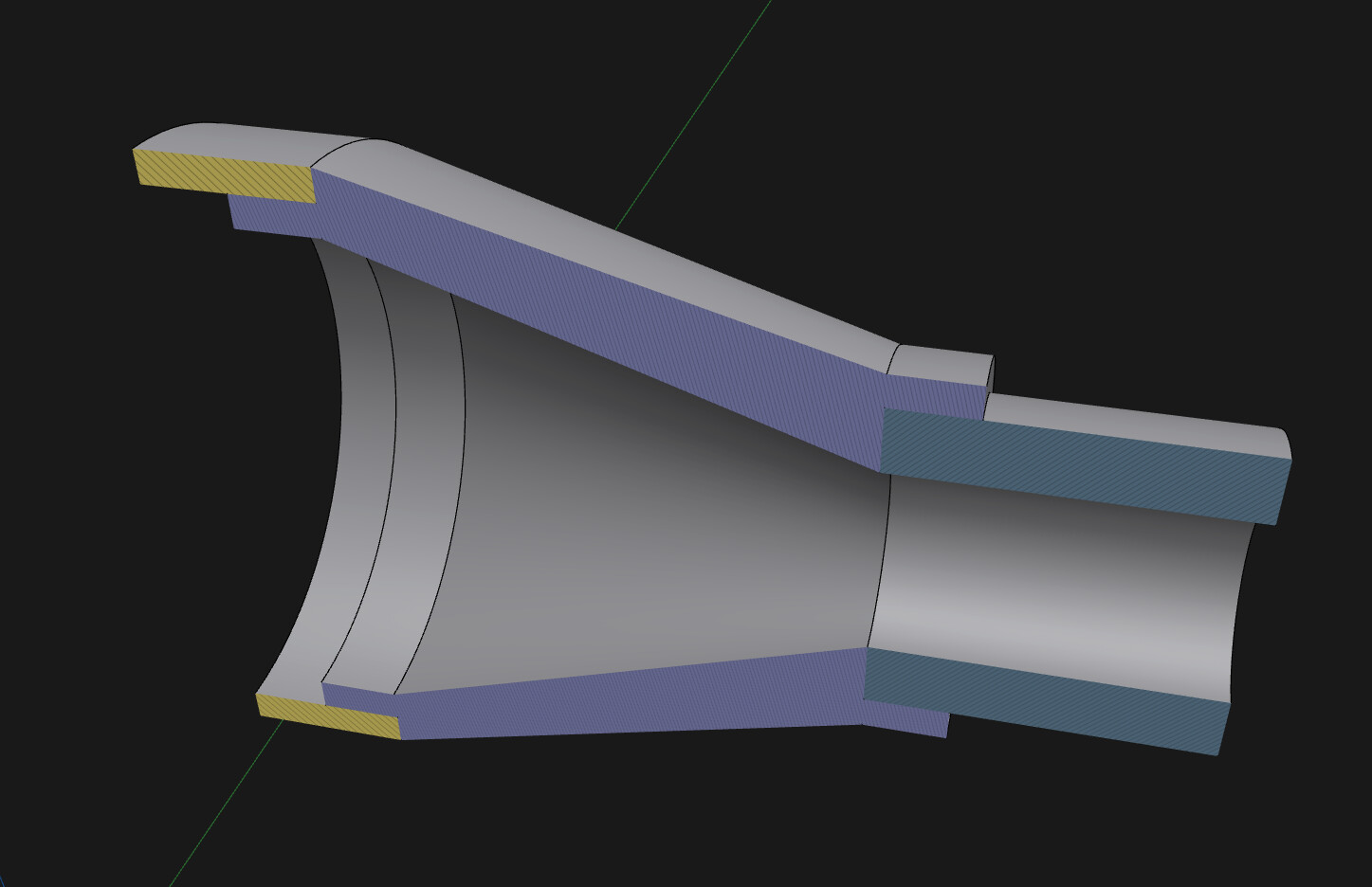
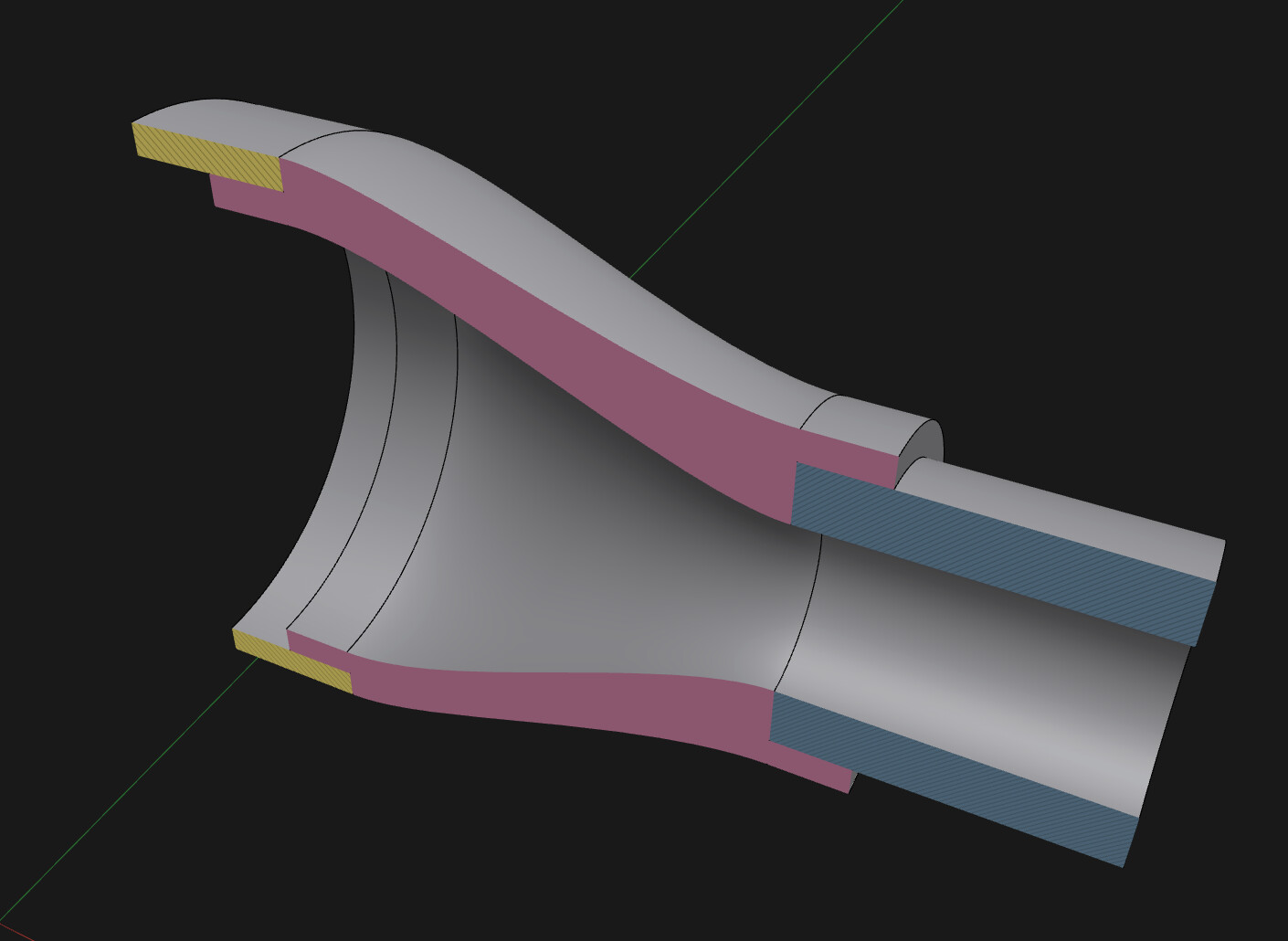
“Loft” only works with closed sketches, in your case these must be circles, not rings. If you make two cylinders, select the opposite surfaces and loft will work. Then use the “shell” command.
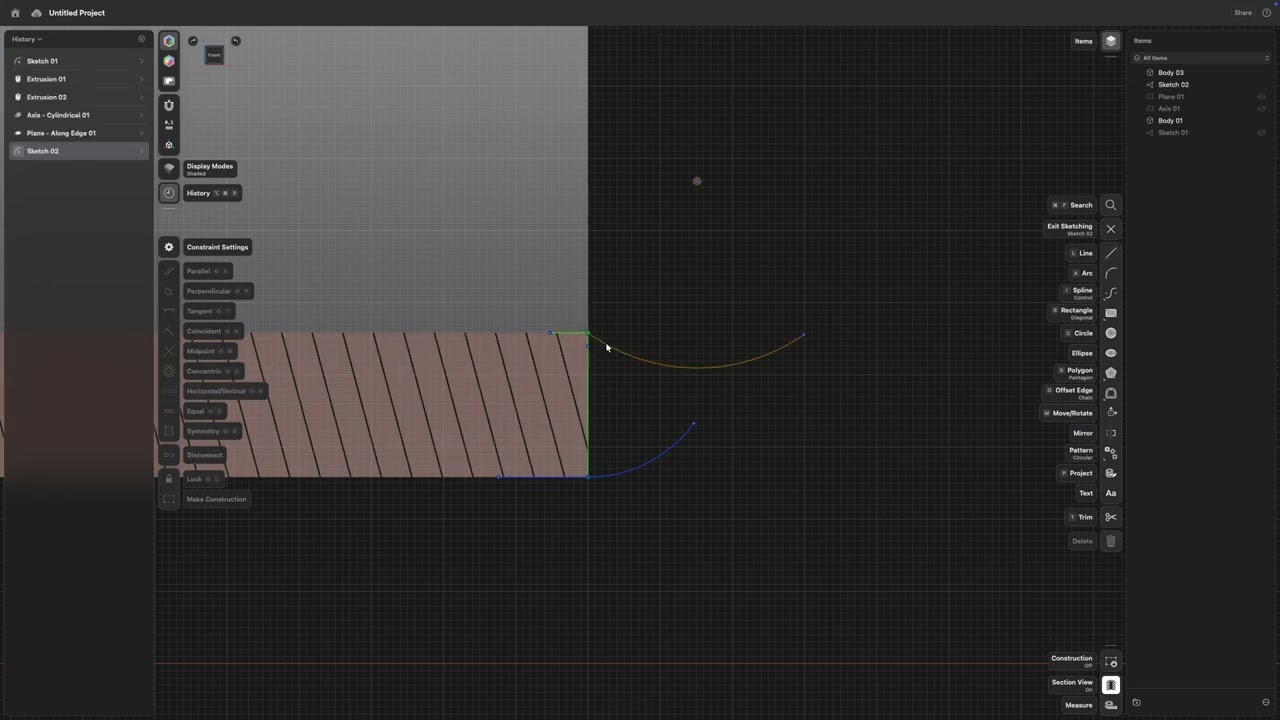
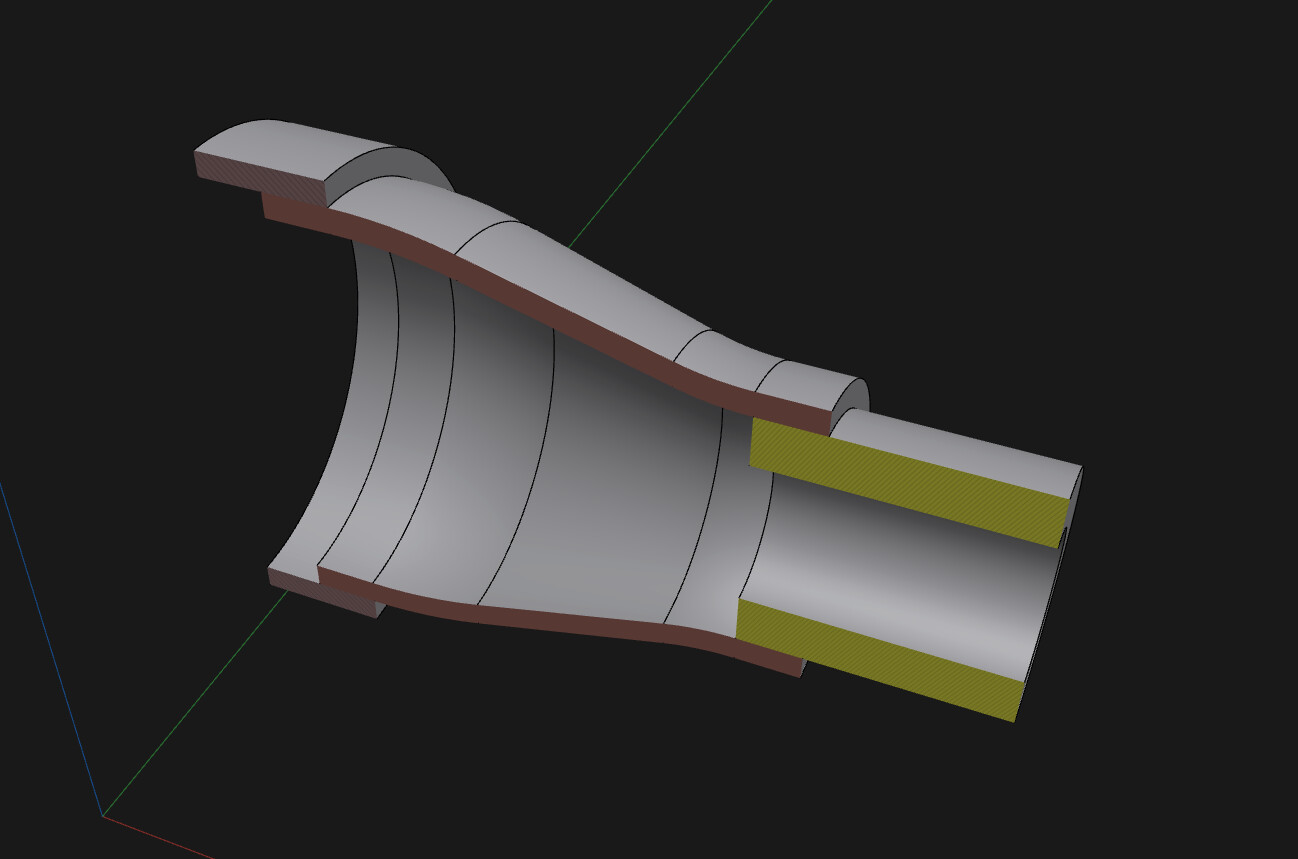
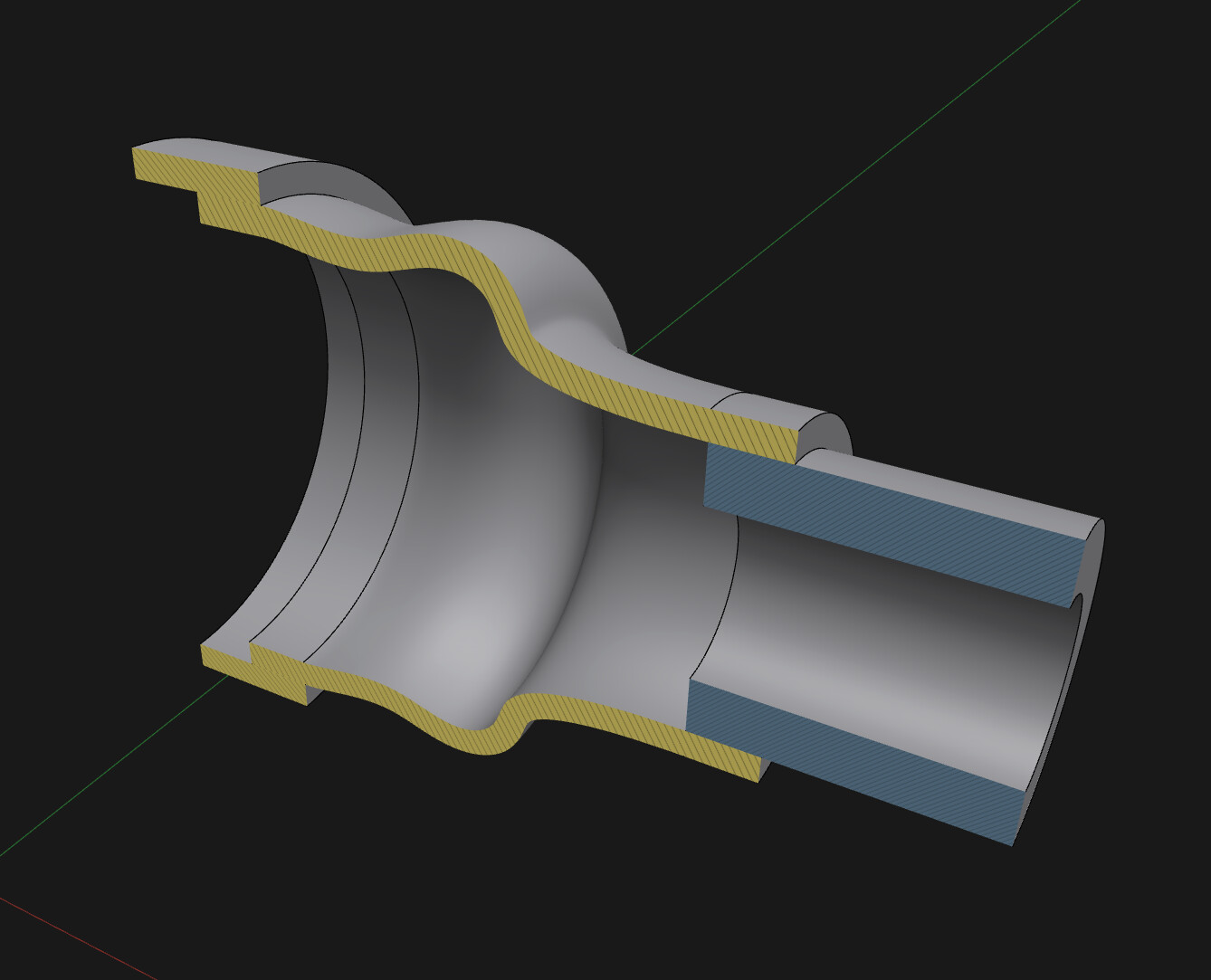
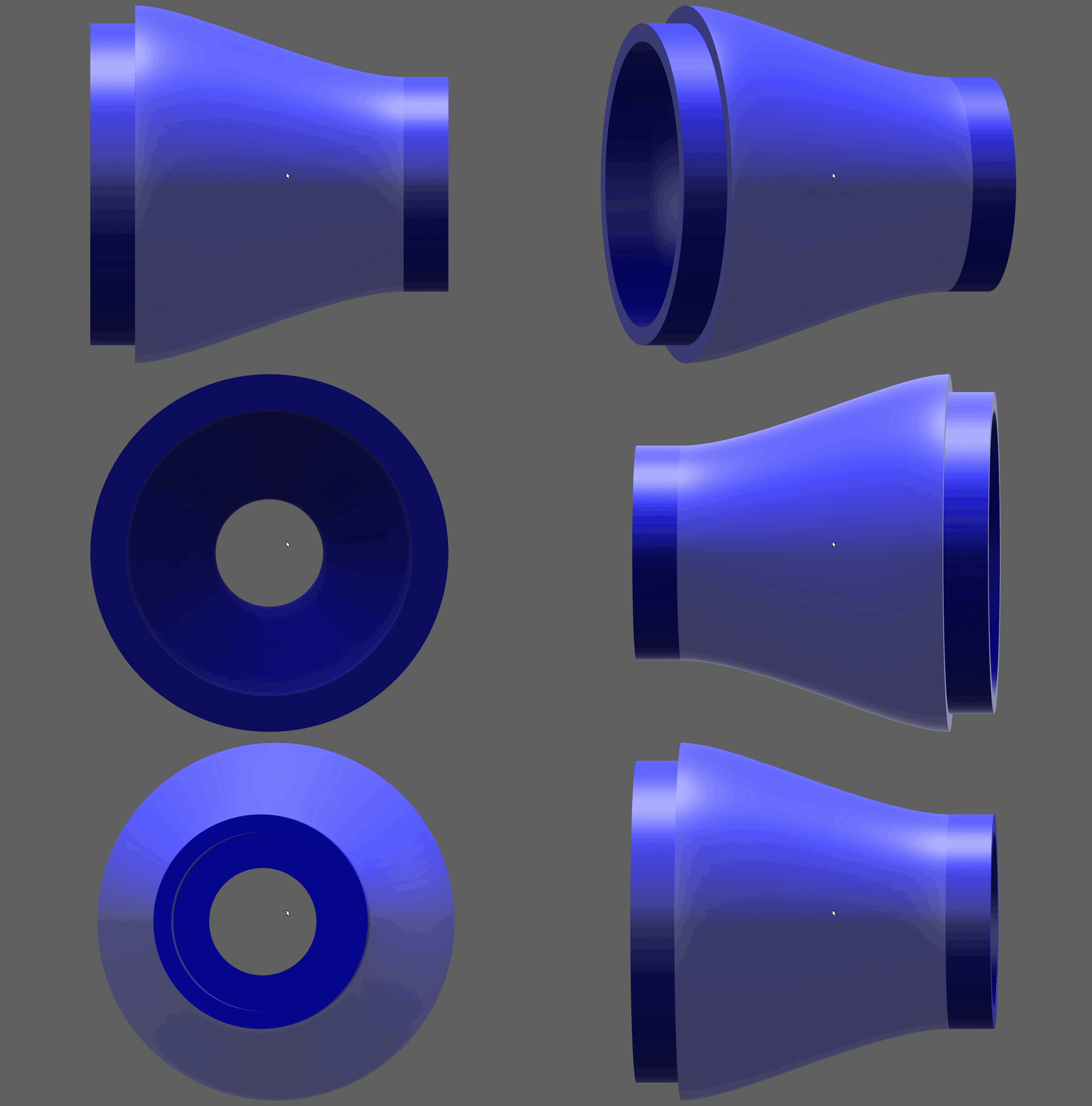
I intentionally made the pipes not only with different diameters, but also with different wall thicknesses. With this configuration, Loft + Shell won’t give the desired result. This approach, however, allows you to model almost any shape.
I would like to ask another question. Revolve works fine, I upgraded my models and it is a great tool.
Now I added another Tube from the side and there I have the following issue. The connected cylinder has at some point barely contact, on the other side overlapping too much.
To generate the hole for the connecting tube, I added a construction axis, a construction plane and did a circular with same inside diameter which I then extruded through the wall of the main cylinder.
Would there be a better way to do this?
But result is fine for me, it saves a lot support in my printer.
More or less, that’s how it’s usually done. But if you already have the sketch for the tube, you can use it right away without adding additional axes or planes.