Hi all,
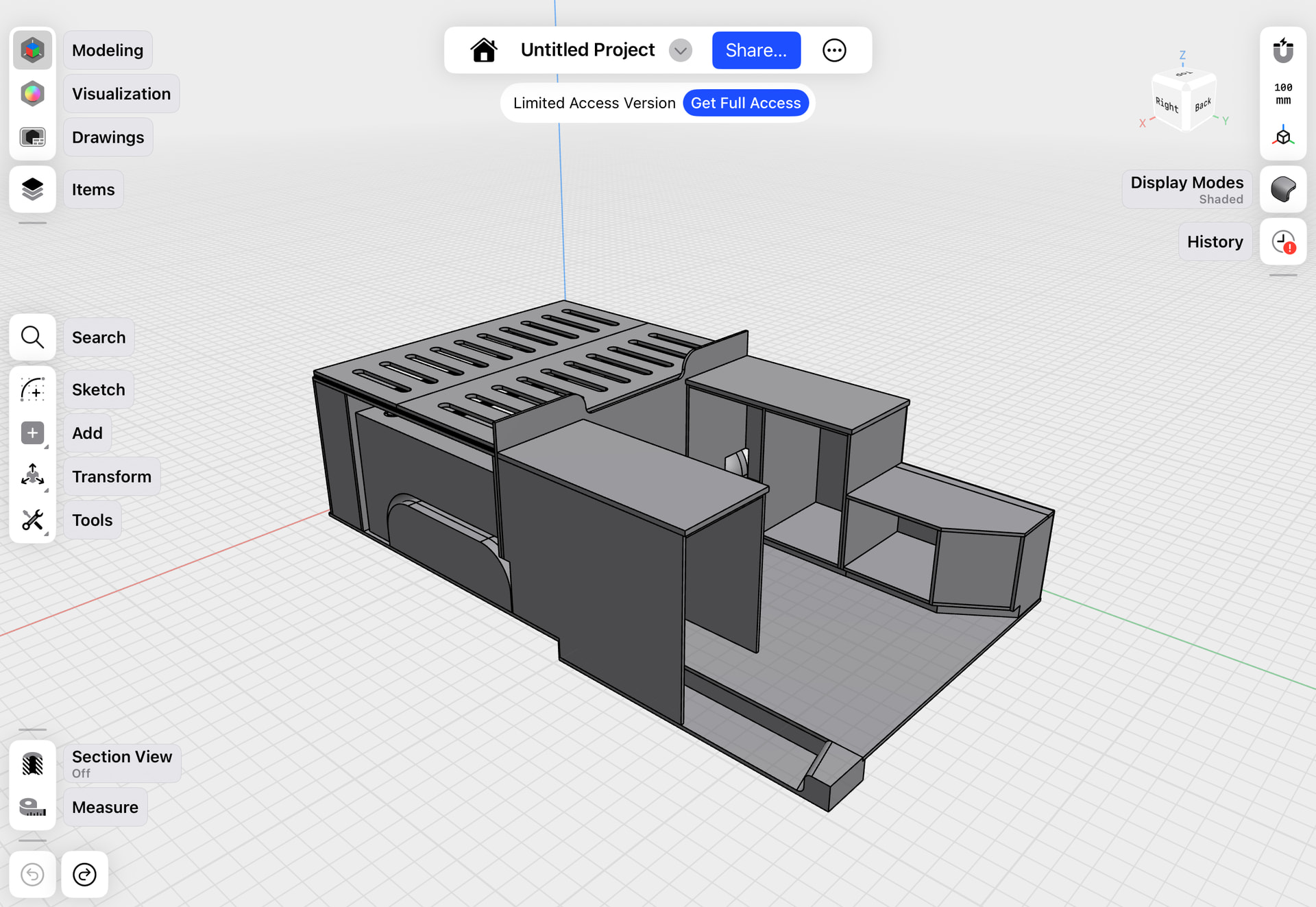
I’m new to this tool (and to 3d design in general) and still trying out the free version before buying the complete software. I use it on my iPad Pro mainly for designing the inside of my camper van build project.
I already designed all kinds of cupboards and other elements for the inside of the van, and designed them by using 16mm plywood for the biggest part. However, it turns out that 16mm ply is not something that is commonly available so I want to change it to 15mm. That of course has impact on the complete design and measurements…
I don’t think there is but wanted to check it with you, as it will save me a lot of time. Do you have any tips or ideas for how I could change it more easily other than redoing the complete design? Other thoughts are also welcome of course.
Thank you!