Those 2 can be 1 its ok.
What you want to try is the Wall Loops, if its 10 it’s like creating infill and will be very thick, try starting with 1 first and increase it.
Alex file is already hollowed so you will see how it hollows when you apply 1 Wall Loop, will look like this.
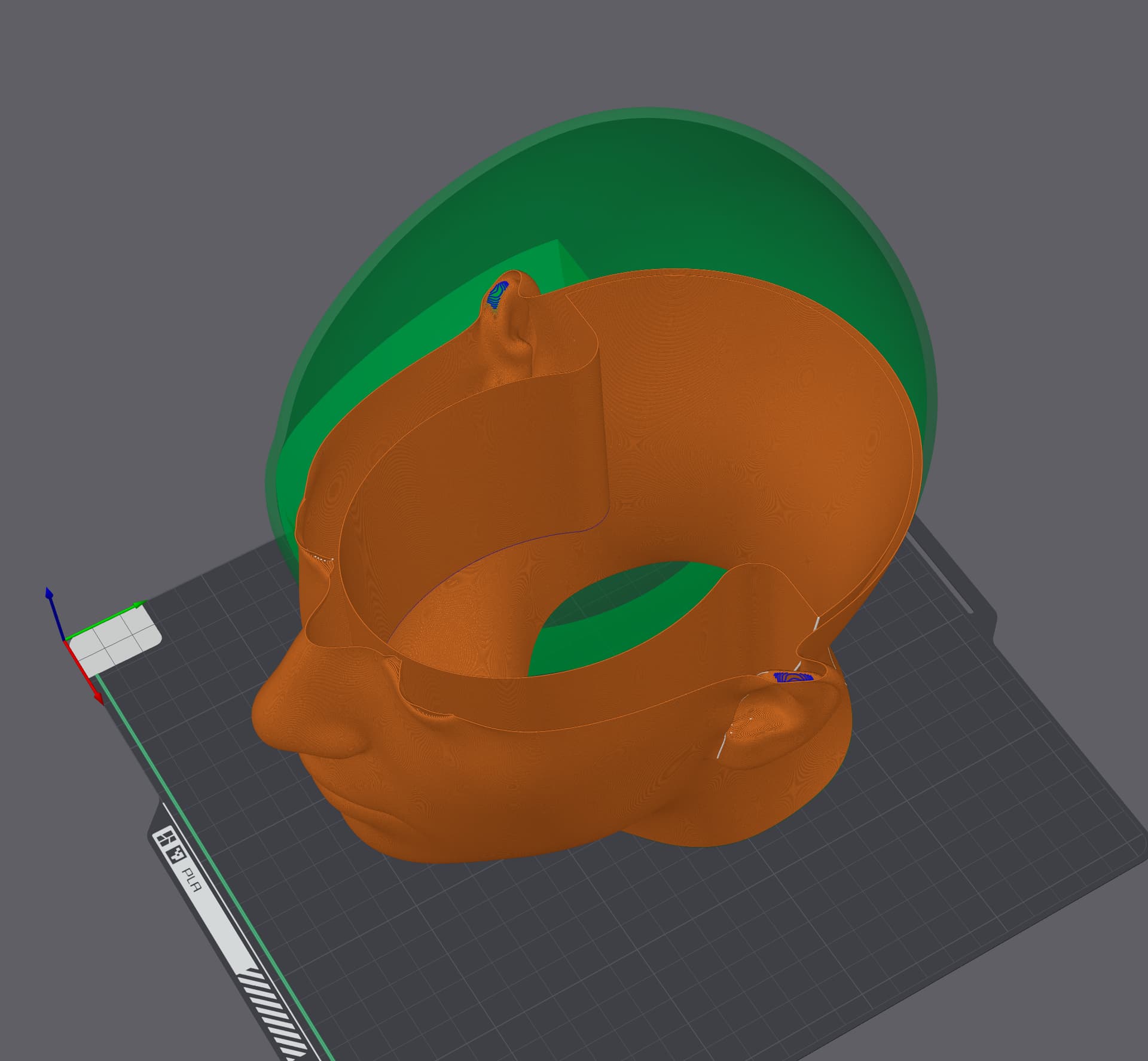
My example, was applied to a SOLID STL, so you can apply the setting to your original STL download and it will create wall loop of 10 with bottom opened. It’s .2mm nozzle so you are thickening it to 2mm with 10 wall loops.
So that will get into how thick do you need it? Do you need thicker or thinner than what Alex has done. Alex can provide you with Shapr file to modify the parameters but you can’t open it. 