Hi,
I have a model of a tube, with specific holes and assets on it, and I’d like to get a drawing of an unwrapped tube, i.e. - a flat view of the tube’s outer surface, so I can print it with 1:1 scale and wrap it around the real tube and make whatever I want.
The same goes with other bended bodies - their drawing always appears as a projection, not as an unwrapped surface of the whole piece. In general - it would be nice to have a drawing of a face.
How can I achieve this result now? Thank you!
Hello,
3,1416 x diameter = length of unwrap tube
the height is the same as your model
Thanks - yes, I know the formula for the circumference of a circle.
The question is how can I project the tube onto a rectangle with one side - the length of the tube, and the other - π * diameter of the tube, with all the holes and elements on the tube, in the right places.
There is no wrapping/ unwrapping function in Shapr unfortunately. You can divide the tube into pie like sections and align them in just the right way to project to a plane or face. The smaller/more pie sections the more accurate the projection.
Similar to this (there are others by searching wrap cylinder) Accurate method to wrap a sketch to a cylinder
Hi,
While waiting for this function to be added to Shapr, I am juggling with MoI3D and Shapr3D.
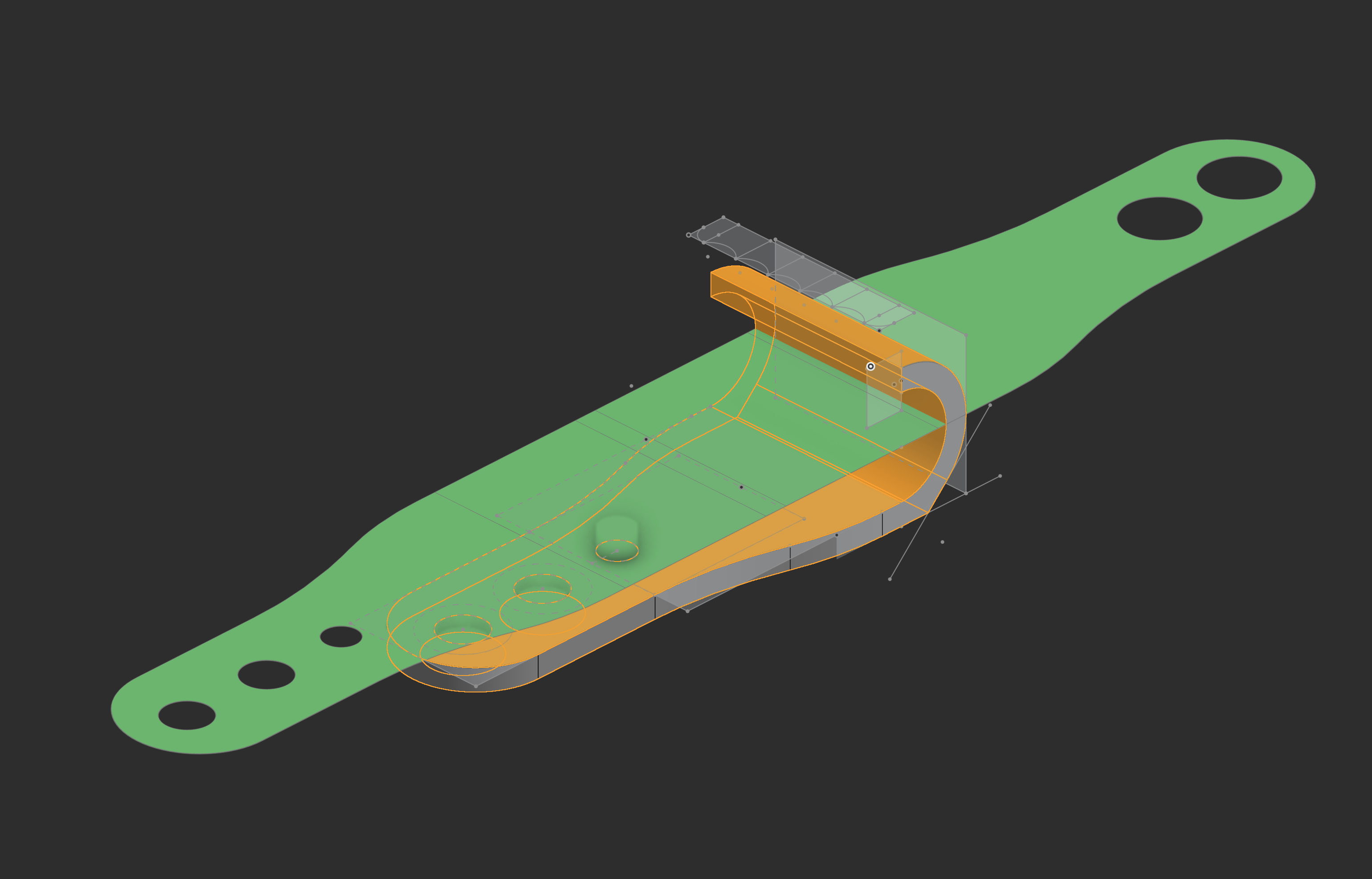
Attached is the .shapr file and 2 screenshots.
I create my sketch in Shapr and Export in DXF.
In MoI3D,I extrude the cylinder and I use the tool > Deform > Flow to wrap the pattern
I export it in DXF but you can choose an other format.
In Shapr, I import in the project.
Et voilà…
Wrapp&Unwrapp.shapr (70,2 Ko)
Many thanks, I’ll give it a try!
I hope the feature arrives soon - not only cylindrical objects, but any bended one that you’d like to laser cut, for example, relies on this feature.
Hi,
As I’ve attempted to try it - this procedure doesn’t seem to work for me. First of all - I don’t have a sketch which I’ve wrapped and I’d like to unwrap - if I did, I’d be using directly the sketch.
I have a body which is constructed with booleans, several sketches, etc. - I’d like to unwrap the outer surface of this body into a sketch which I’d be able to print, cut, etc.
I did downloaded Mol3D and gave it a try, importing the body (which went fine), but failed in my attempts to get an unwrapped surface out of the body.
Any other suggestions? Thanks!
Did you find a solution? I have the same problem…
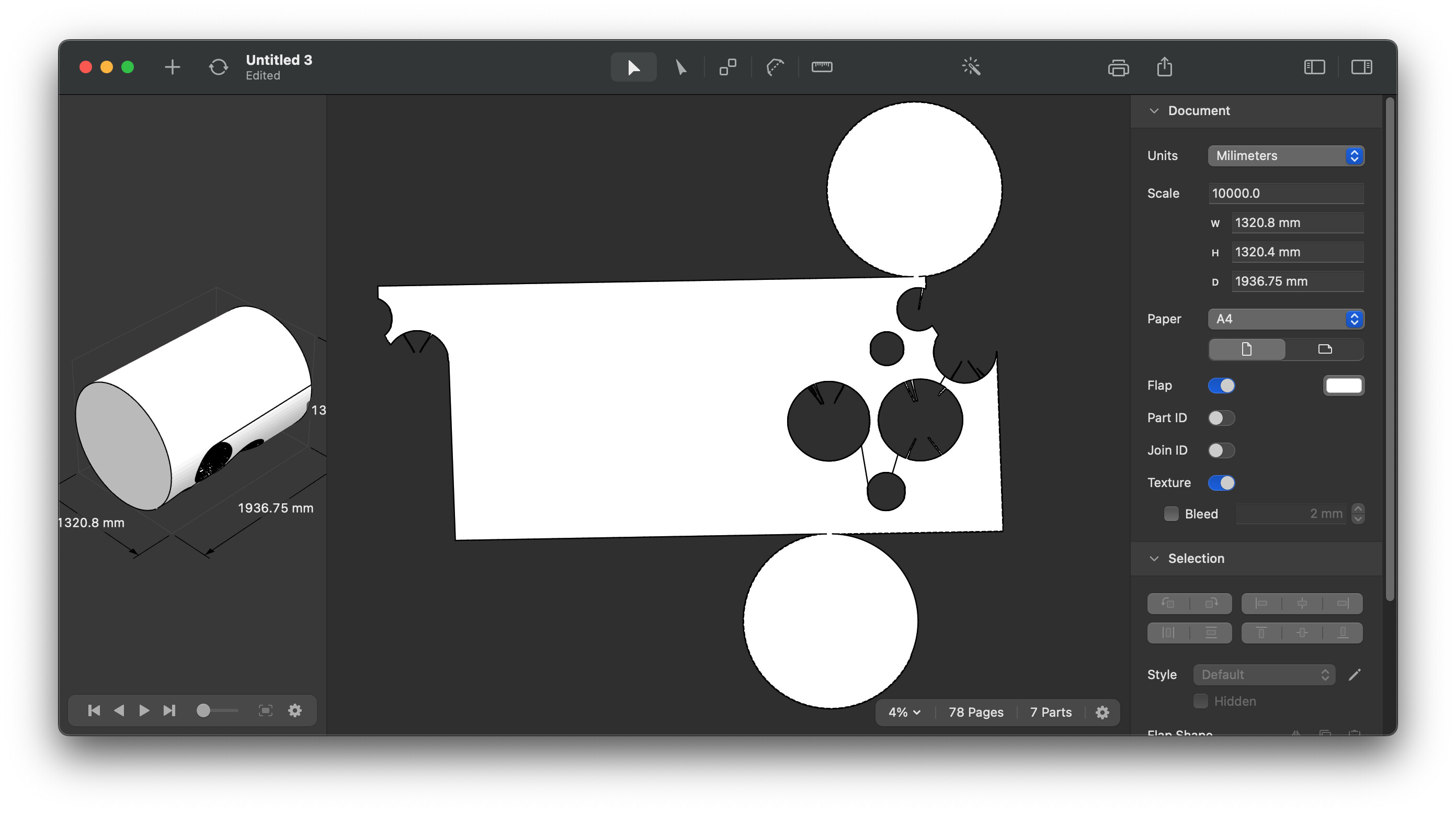
There is a tool I can recommend. It is used for paper tools, but basically its an unwrap tool.
If you need more accuracy you would need to use other cad tool, missing feature in Shapr