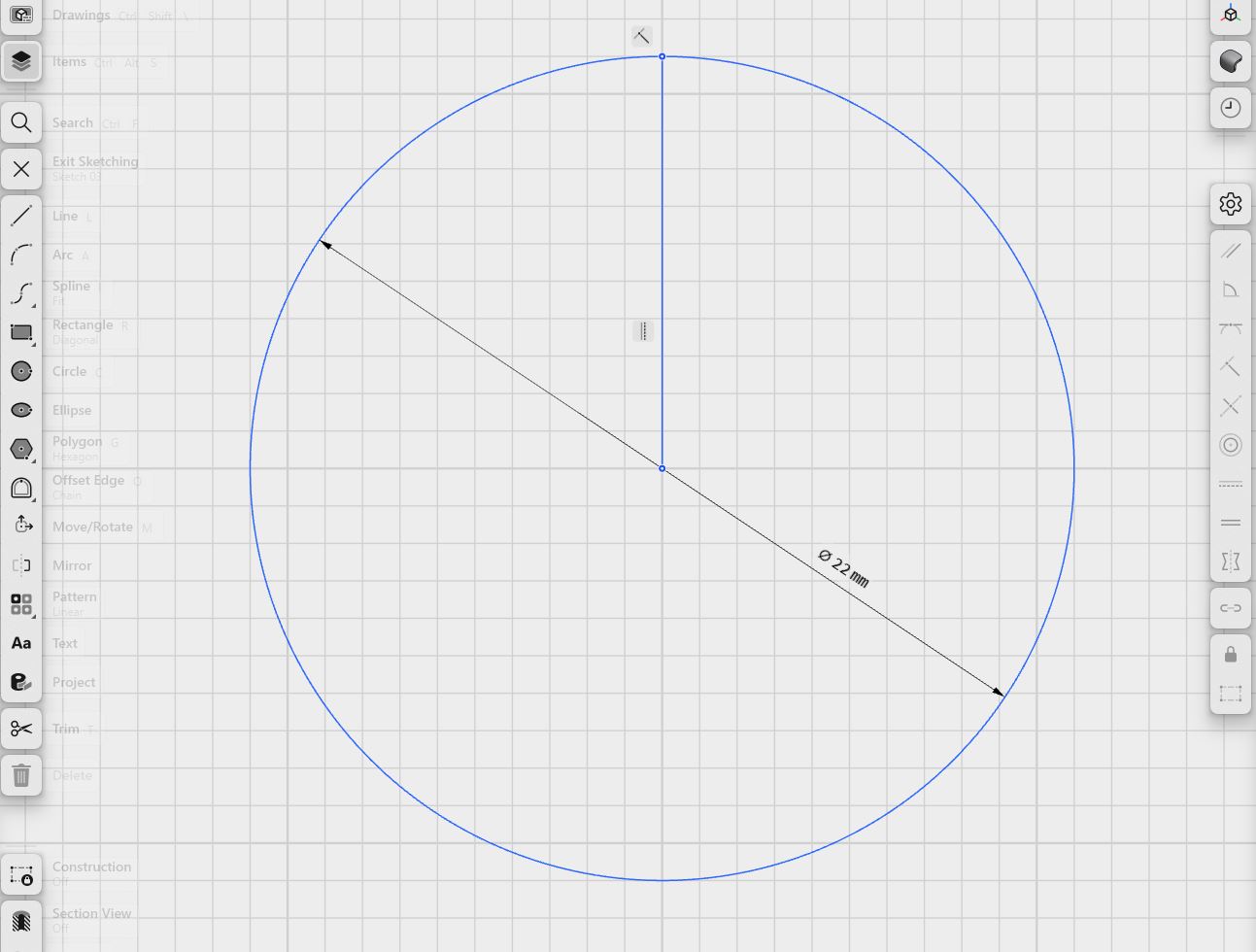
Hello, i am a new customer and i have to express some fillings and problems i had while used your software, so, i had to divide a circle to six parts. I followed a solved topic ( Dividing circle into 7 equal parts - #4 by Istvan ) but here it is the problems occurred.
While everything looks good in first hand, the polygon doesn’t fit really on the circle. I tried a lot of times even in a new project to test it. I tried making the polygon with the same centre as the circle, and i tried giving manually dimensions, so here it what i discovered, something that never happened to me with Autocad and Sketchup.
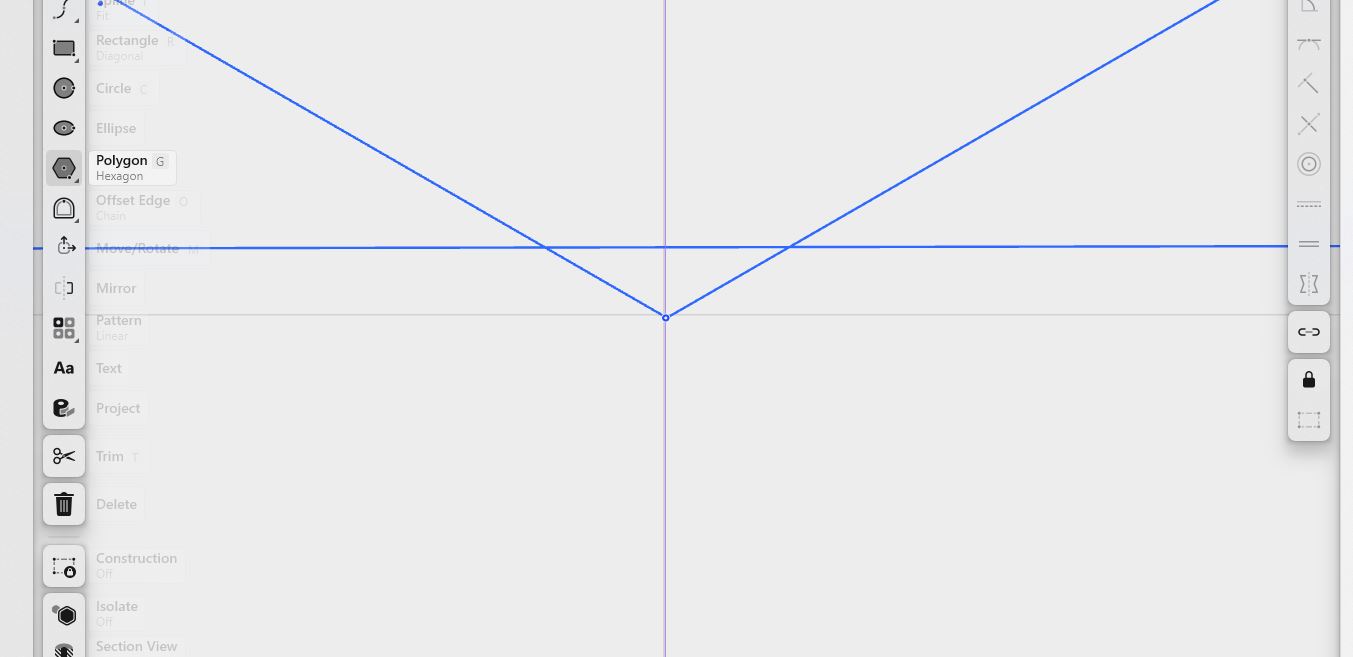
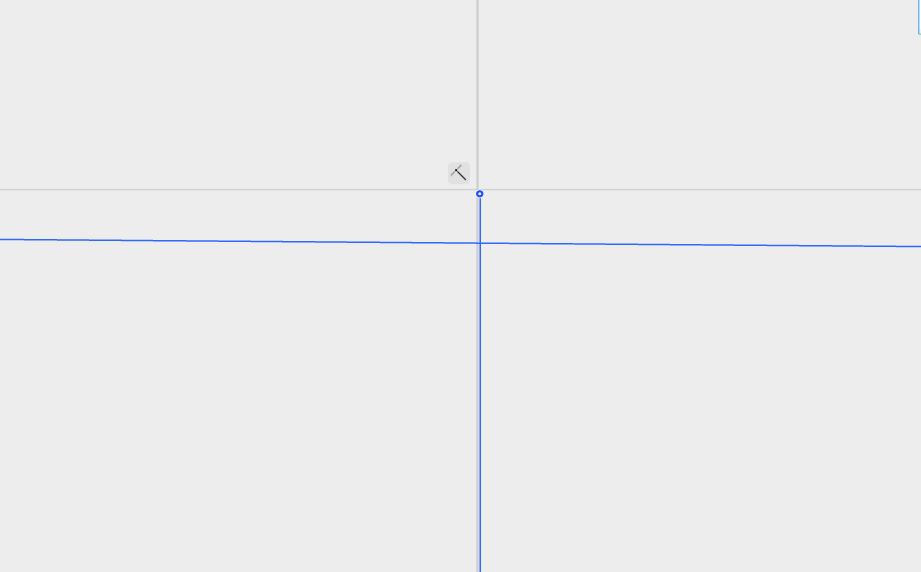
- when you really zoom in to see if the snap tool did its work on intersection or edge of the circle, then you realise that polygons corner doesn’t catch excaclty the point on edge or intersect. In some other points of the circle it looks like good while on others it don’t. If you zoom a little everything it ok, but if you zoom a lot, everything goes crazy, even the line of the parallel goes further than grid lines even the circle appears with a second line around and finaly the corners of the polygons looking out of the snapped lines….
- Terrifying experience while you are looking for perfect designs. It never happened to me with Autocad to zoom as more as i wanted to see id the lines are connected perfectly. So what now?
- Also the snap tool is not working fine while passing over lines and circles and grid, cannot check everything, the result is to make your life more difficulty while you trying to catch sketched objects to make the line connections perfect. 4.
- I cannot copy paste a single box made of lines also, i think same happens with bodies….. It has something like copy command but not paste anywhere…?
- I am looking all tutorials and topics…
I need solutions here guys, before i change my mind again… I said to give a try to Shapr3d…